Netgear XAVB2602 - Powerline AV+ 200 Nano Dual-Port Set Installation Guide
Summary
Seamlessly expand your internet coverage using this Powerline AV+ Dual-Port Set. Designed for users who need reliable network connectivity without running physical Ethernet cables, these adapters transmit robust data signals through your home's existing electrical wiring. This guide provides comprehensive instructions on installation, advanced features like QoS prioritization and secure encryption setup, troubleshooting steps, and detailed status indicators to ensure optimal performance in any multi-room environment.
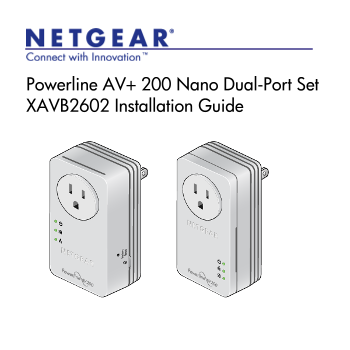
Page 1 Text Content
Powerline AV+ 200 Nano Dual-Port Set XAVB2602 Installation Guide
Page Summary Contents For Netgear XAVB2602 - Powerline AV+ 200 Nano Dual-Port Set Installation Guide
Manual Details
| Brand | Powerline |
|---|---|
| Pages | 16 |
| File Size | 1.58 MB |
| Published | June 05, 2026 |
Enter the captcha to get the download link:

Frequently Asked Questions
What should I do if my Powerline adapter is not active?
If no Ethernet link occurs for more than 10 minutes, the adapter enters power saving mode and the Power LED will turn amber.
How can I improve network performance?
Use a filtered AC socket (the port labeled 'filtered') to connect devices with high-priority streaming or VoIP traffic to improve performance.
Are there any setup steps before securing my network?
Ensure the Power LED is solid green and that all adapters have powered up. Do not press the Security button until both conditions are met.
What kind of appliances should I avoid using with this device?
Do not plug major home appliances like air conditioners, space heaters, ovens, or refrigerators into the filtered AC socket.