Netgear PL1200 - Powerline 1200 Installation Guide
Summary
Extend your home's network reliability using Powerline adapters, which extend wired Ethernet connections through existing electrical wiring. This manual provides comprehensive guidance on setup, including understanding status LEDs, securing your connection with unique pairing keys, connecting additional adapters, and troubleshooting common issues like interference or power saving modes. It is ideal for users needing a stable, high-speed wired network to connect devices like routers or game consoles throughout their home.
Page 1 Text Content
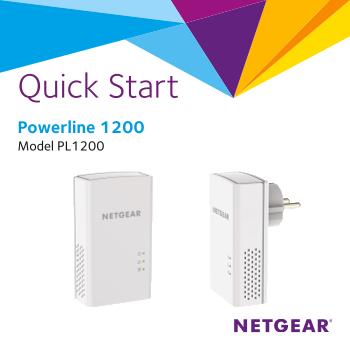
Quick Start Powerline 1200 Model PL1200
Page Summary Contents For Netgear PL1200 - Powerline 1200 Installation Guide
Manual Details
| Brand | Powerline |
|---|---|
| Pages | 12 |
| File Size | 552.11 KB |
| Published | June 04, 2026 |
Enter the captcha to get the download link:

Frequently Asked Questions
What are common display indicators for my Powerline adapter's status?
Solid green Power LED means power is on; Solid amber indicates power saving mode. Blinking green signifies it is setting up security.
How do I troubleshoot a connection that keeps losing signal (Pick A Plug)?
If the Pick A Plug LED shows red or amber, move the adapter to another outlet and unplug potential interferers like motors or surge suppressors.
What steps are needed to secure my Powerline network?
Press and hold the Security button on one existing adapter then one new adapter for two seconds. Both must be done within two minutes.
Why is my Power LED off, and what should I check first?
Ensure power is supplied to the outlet, and verify that the adapters are not plugged into an extension cord or surge protector.
How do I reset the adapter back to factory default settings?
Press the Factory Reset button on each device for one second.