Netgear XAVB5421 - Powerline 500 + Extra Outlet, 1-Port Installation Guide
Summary
Extend your home's internet connection reliably using the Powerline 500 network adapter, providing a stable, wired alternative to complex cabling or fluctuating Wi-Fi signals. This manual offers comprehensive instructions for setting up and securely maintaining your mesh network, detailing everything from connecting compatible devices and utilizing advanced LED status indicators to performing secure pairings and troubleshooting power issues. It is perfect for homeowners who require high-speed, whole-house wired internet stability across multiple rooms while avoiding messy installations.
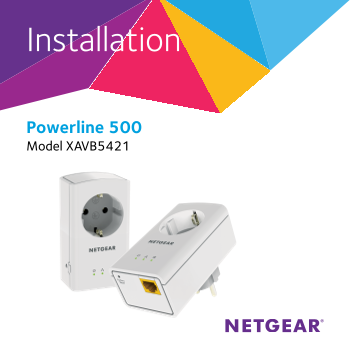
Page 1 Text Content
Installation
Powerline 500 Model XAVB5421
Page Summary Contents For Netgear XAVB5421 - Powerline 500 + Extra Outlet, 1-Port Installation Guide
Manual Details
| Brand | Powerline |
|---|---|
| Pages | 16 |
| File Size | 1.15 MB |
| Published | June 04, 2026 |
Enter the captcha to get the download link:

Frequently Asked Questions
How do I connect my Powerline adapter safely?
Do not plug the powerline adapter into an extension cord, power strip, or surge protector.
What should I do if the Power LED is off?
Check that electrical power is supplied to the outlet and confirm you are not using any extension cords or power strips.
How do I set up a secure network connection?
Wait until the Pick A Plug LEDs are blinking, then press the Security button on two adapters within two minutes.
Can I plug major household appliances into the adapter's filtered AC socket?
No, it is not intended to be used with home appliances such as air conditioners, hair dryers, or ovens.