Netgear XAVB5602v2 - Powerline 500 Nano PassThru 2-Port (XAV5602 + XAV5401) Installation Guide
Summary
Enhance your home connectivity with this NETGEAR Powerline networking adapter system. This comprehensive manual guides new users through every step of setting up a secure, stable internet connection without running cables. It details the hardware components, how to initiate the secure networking process, and how to use all LED indicators for quick troubleshooting. Ideal for homeowners or renters who need reliable wired internet access across multiple rooms, this guide ensures safe installation and optimal performance instantly.
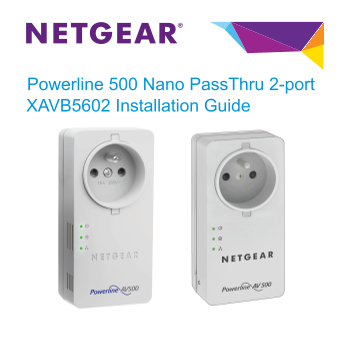
Page 1 Text Content
Powerline 500 Nano Pass Thru 2-port XAVB5602 Installation Guide
Page Summary Contents For Netgear XAVB5602v2 - Powerline 500 Nano PassThru 2-Port (XAV5602 + XAV5401) Installation Guide
Manual Details
| Brand | Powerline |
|---|---|
| Pages | 14 |
| File Size | 1.32 MB |
| Published | June 04, 2026 |
Enter the captcha to get the download link:

Frequently Asked Questions
How do I reset the Powerline adapter to factory settings?
Press the Factory Reset button for two seconds and then release it.
What does a solid green Power LED indicate during setup?
It indicates that the adapter is ready, meaning both power and link detection are stable.
Are there any compatibility requirements for other devices?
Your Powerline device can share the network with listed compatible NETGEAR models or check www.homeplug.org/certified_products.
What type of appliances should I avoid connecting to the adapter's filtered socket?
Do not plug major home appliances like air conditioners, space heaters, or refrigerators into the filtered AC socket.