HP Color LaserJet Managed MFP E67650 - E67660 Installation Guide
Summary
This comprehensive manual guides new users through the complete setup of your multifunction printer. It provides step-by-step instructions on proper placement, connecting power and network cables, language configuration, and advanced IP settings for seamless office integration. Essential reading for ensuring safe, efficient installation and optimal performance in a professional environment.
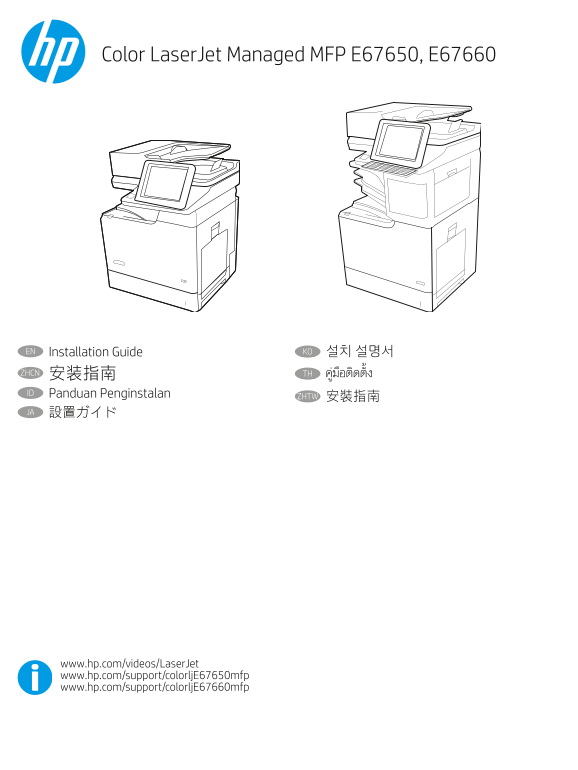
Page 1 Text Content
Color Laser Jet Managed MFP E67650, E67660
EN Installation Guide KO 설치 설명서 ZHCN 安装指南 TH ID Panduan Penginstalan
ZHTW 安裝指南
JA 設置ガイド
www.hp.com/videos/Laser Jet www.hp.com/support/colorlj E67650mfp www.hp.com/support/colorlj E67660mfp
Page Summary Contents For HP Color LaserJet Managed MFP E67650 - E67660 Installation Guide
Manual Details
| Brand | HP |
|---|---|
| Pages | 16 |
| File Size | 4.24 MB |
| Published | June 03, 2026 |
Enter the captcha to get the download link:

Frequently Asked Questions
What is the primary safety precaution when cleaning or servicing the printer?
Always unplug the printer cable from the power outlet before cleaning and never use it near water. Below are 3-5 questions, each with an answer.