HP Color LaserJet Enterprise MFP M577 Series HP Color LaserJet Enterprise MFP M577 - Installation Guide
Summary
This comprehensive installation guide assists new users in setting up the HP Color LaserJet Enterprise MFP M577 series printer. The manual provides detailed, step-by-step instructions covering initial placement requirements, safe removal of packaging materials, proper network and fax cord connectivity, and mandatory power connection protocols using grounded AC outlets. It also guides basic setup within the control panel for language and time zone configuration, ensuring a smooth and secure start to operation.
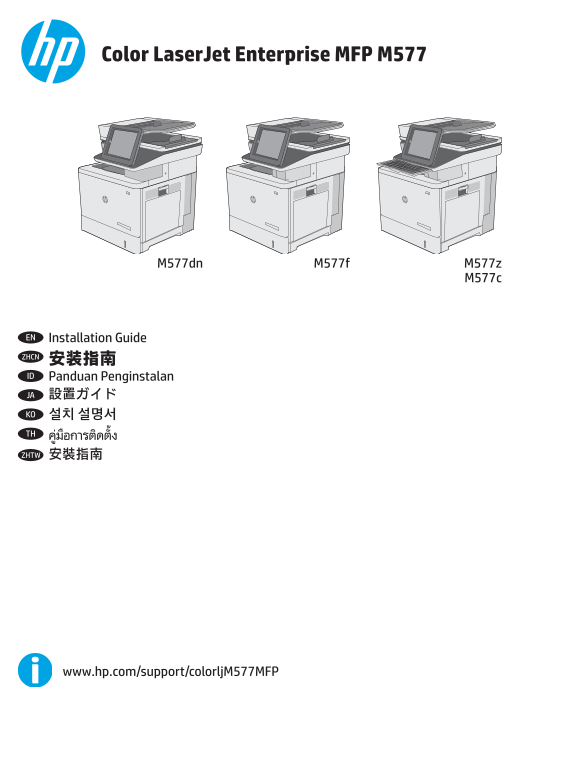
Page 1 Text Content
Color Laser Jet Enterprise MFP M577
M577dn M577f M577z
EN Installation Guide ZHCN 安装指南 ID Panduan Penginstalan JA 設置ガイド KO 설치 설명서 TH ZHTW 安裝指南
www.hp.com/support/colorlj M577MFP
Page Summary Contents For HP Color LaserJet Enterprise MFP M577 Series HP Color LaserJet Enterprise MFP M577 - Installation Guide
Manual Details
| Brand | HP |
|---|---|
| Pages | 16 |
| File Size | 5.55 MB |
| Published | June 17, 2026 |
Enter the captcha to get the download link:

Frequently Asked Questions
Where should I place the printer?
Select a sturdy, well-ventilated, dust-free area that is away from direct sunlight.
What are the correct power specifications for this printer?
The printer requires 100-127 Vac or 220-240 Vac at 50/60 Hz. Only use the power cable provided with the unit.
Should I connect the USB cable immediately when setting up a network connection?
No, you should first connect the network cable, but caution: do not connect the USB cable at this time.
Where is the advanced configuration guide for networked printers located?
Refer to the User Guide on the printer CD or visit www.hp.com/support/colorljM577MFP.