HP PageWide Enterprise Color MFP 586 series HP PageWide Enterprise Color MFP 586 - Installation Guide
Summary
Introducing the comprehensive installation guide for the PageWide Enterprise Color MFP 586 series printer. This resource provides step-by-step instructions for setting up your professional multifunction device, covering proper placement, cartridge insertion, network connection setup, and advanced features like language keyboard overlays. It is essential reading for IT professionals and administrators who are installing or servicing this high-performance color printing solution in an enterprise environment.
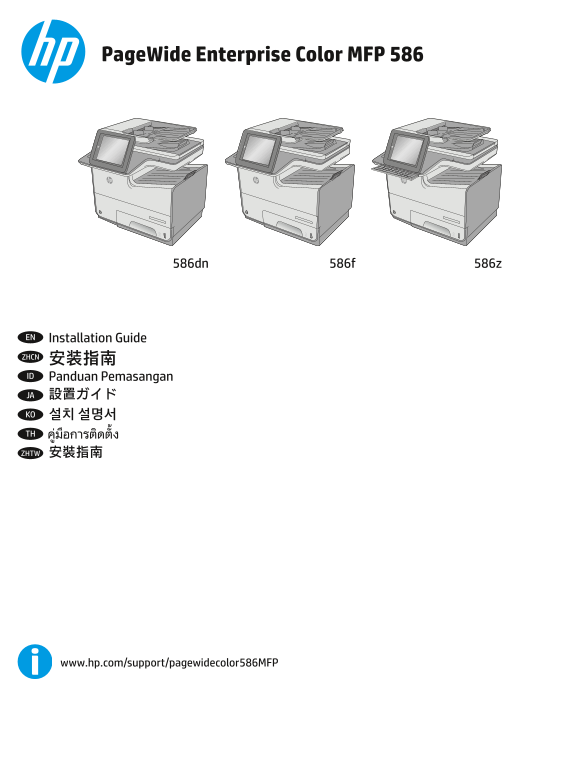
Page 1 Text Content
Page Wide Enterprise Color MFP 586
FDSV�ORFNVKLIW $� 6�
#� =� DOW ;� &� )�
DOW VKLIW HQWHU
586dn 586z586f
EN Installation Guide ZHCN 安装指南 ID Panduan Pemasangan JA 設置ガイド KO 설치 설명서 TH ZHTW 安裝指南
www.hp.com/support/pagewidecolor586MFP
Page Summary Contents For HP PageWide Enterprise Color MFP 586 series HP PageWide Enterprise Color MFP 586 - Installation Guide
Manual Details
| Brand | HP |
|---|---|
| Pages | 20 |
| File Size | 7.10 MB |
| Published | June 06, 2026 |
Enter the captcha to get the download link:

Frequently Asked Questions
What are the ideal requirements for placing the printer?
Place it in a sturdy, well-ventilated, dust-free area, away from direct sunlight.
When connecting cables after setup, should I use the USB cable immediately?
If linking to a network, connect the network cable now. Do not connect the USB cable at this time.
What are the instructions for installing a keyboard language overlay?
Align the top corners of the clear sheet with the Esc and Delete keys, support from below, press labels firmly, then peel the clear sheet sharply.
What happens if my setup causes harmful radio interference?
The user is responsible for correcting any harmful interference at their own expense. A shielded interface cable must be used.