HP OfficeJet Enterprise Color MFP X585 Series - Installation Guide
Summary
This comprehensive guide provides expert, step-by-step instructions for setting up your HP Officejet Enterprise Color MFP X585 printer. Designed for users requiring a hassle-free setup experience, the manual walks you through everything from proper placement and ink cartridge installation to essential physical connections (power, network, fax). Master advanced initial configurations, connect to various networks, and get your high-performance multifunction device running smoothly in your professional or home environment.
Page 1 Text Content
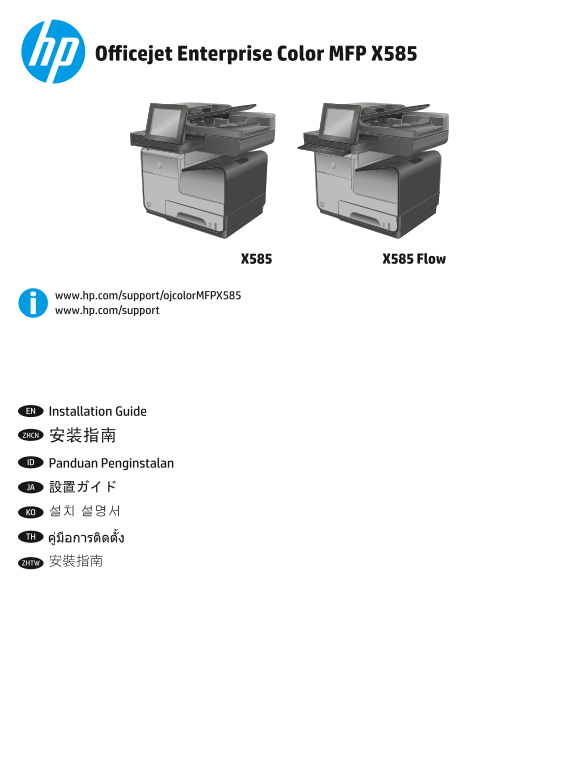
Officejet Enterprise Color MFP X585
VKLIW FDSV�ORFN $� 6� '�
=� DOW ;� &� 9� *� +�
%� 1� HQWHU�
DOW VKLIW
www.hp.com/support/ojcolor MFPX585 www.hp.com/support
EN Installation Guide
ZHCN 安装指南
ID Panduan Penginstalan
JA 設置ガイド
KO 설치 설명서
ZHTW 安裝指南
B5L04-90903.indd 1 1/3/2014 7:27:15 PM
Page Summary Contents For HP OfficeJet Enterprise Color MFP X585 Series - Installation Guide
Manual Details
| Brand | HP |
|---|---|
| Pages | 16 |
| File Size | 3.38 MB |
| Published | May 31, 2026 |
Enter the captcha to get the download link:

Frequently Asked Questions
Where should I place the printer for best performance?
Select a sturdy, level, well-ventilated, dust-free area, and ensure it is away from direct sunlight.
When setting up network connections, what cables should I connect first and what should I avoid?
Connect the network cable immediately if connecting to a network. However, do not connect the USB cable at this stage.
How can I find the product's IP address for advanced setup in a Web browser?
Touch the 'Network' button on the product control panel.