HP PageWide Managed Color MFP Printer Series - E77650, E77660, P77440, P77940, P77950, P77960 - Installation Guide
Summary
Introducing the professional HP PageWide Managed Color MFP series—a robust solution engineered for demanding office environments. This comprehensive manual guides users through everything from optimal placement and unpacking to detailed setup, network connectivity, and initial configuration of your multifunction printer. Designed for IT professionals and administrative staff, it provides step-by-step instructions necessary to ensure a smooth, safe, and professional installation process.
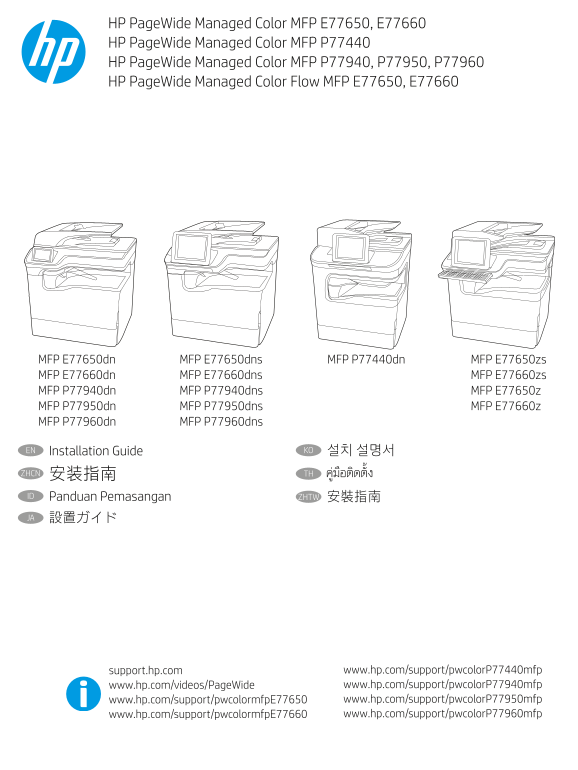
Page 1 Text Content
HP Page Wide Managed Color MFP E77650, E77660 HP Page Wide Managed Color MFP P77440 HP Page Wide Managed Color MFP P77940, P77950, P77960 HP Page Wide Managed Color Flow MFP E77650, E77660
MFP E77650dn MFP E77650dns MFP P77440dn MFP E77650zs MFP E77660dn MFP E77660dns MFP E77660zs MFP P77940dn MFP P77940dns MFP E77650z MFP P77950dn MFP P77950dns MFP E77660z MFP P77960dn MFP P77960dns
EN Installation Guide KO 설치 설명서
ZHCN 安装指南 TH
ID Panduan Pemasangan ZHTW 安裝指南 JA 設置ガイド
support.hp.com www.hp.com/support/pwcolor P77440mfp www.hp.com/videos/Page Wide www.hp.com/support/pwcolor P77940mfp www.hp.com/support/pwcolormfp E77650 www.hp.com/support/pwcolor P77950mfp www.hp.com/support/pwcolormfp E77660 www.hp.com/support/pwcolor P77960mfp
Page Summary Contents For HP PageWide Managed Color MFP Printer Series - E77650, E77660, P77440, P77940, P77950, P77960 - Installation Guide
Manual Details
| Brand | HP |
|---|---|
| Pages | 16 |
| File Size | 4.03 MB |
| Published | June 02, 2026 |
Enter the captcha to get the download link:

Frequently Asked Questions
Where should I select a location for the printer?
Select a sturdy, well-ventilated, dust-free area that is away from direct sunlight.
What kind of paper must be loaded in Tray 2 when initializing the printer?
Use Letter/A4 paper; loading Tabloid/A3 will prevent correct initialization.
What power voltage ratings does the printer support?
It uses 100-127 Vac or 220-240 Vac, and operates at a frequency of 50/60 Hz.
What safety steps must I take before cleaning the unit?
First, read all documentation, and always unplug the cable from the power outlet before proceeding with cleaning.