HP PageWide Managed Color E75160, P75250 - Installation Guide
Summary
The comprehensive installation guide ensures optimal setup of your professional-grade HP PageWide Managed Color printer. This manual provides step-by-step instructions covering everything from selecting a safe, dust-free operating location and connecting essential power and network cables to initializing the device correctly. Users will learn proper procedures for media loading, initial configuration settings (language, date), and advanced setup techniques required for reliable high-volume color printing in commercial environments.
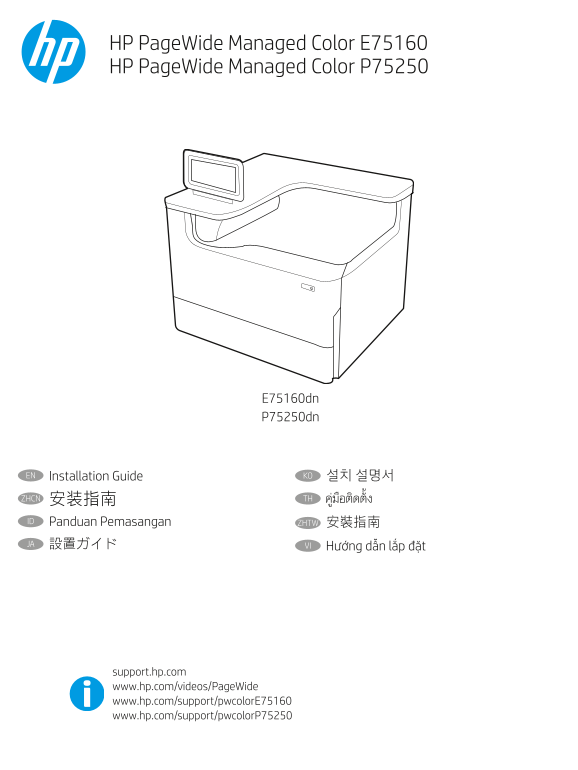
Page 1 Text Content
HP Page Wide Managed Color E75160 HP Page Wide Managed Color P75250
E75160dn P75250dn
EN Installation Guide KO 설치 설명서
ZHCN 安装指南 TH
ID Panduan Pemasangan ZHTW 安裝指南
JA 設置ガイド VI
support.hp.com www.hp.com/videos/Page Wide www.hp.com/support/pwcolor E75160 www.hp.com/support/pwcolor P75250
Page Summary Contents For HP PageWide Managed Color E75160, P75250 - Installation Guide
Manual Details
| Brand | HP |
|---|---|
| Pages | 16 |
| File Size | 4.27 MB |
| Published | June 18, 2026 |
Enter the captcha to get the download link:

Frequently Asked Questions
What paper must I use when initializing the printer?
You must use Letter/A4 paper loaded in Tray 2. Using Tabloid/A3 paper in Tray 2 will prevent proper initialization.
Where should I place the printer for optimal operation?
The printer should be placed in a sturdy, well-ventilated area that is dust-free and located away from direct sunlight.
What is the necessary safety precaution when cleaning or maintaining the machine?
Always unplug the power cable from the outlet before performing any cleaning tasks. Also, never use it near water.
How can I find the printer's IP address for advanced network settings?
Select the 'Information' button on the control panel and then choose the 'Ethernet' icon to retrieve the required IP address.