HP LaserJet Enterprise 500 MFP M525 LaserJet Enterprise Flow MFP M525 - Installation Guide
Summary
This comprehensive installation manual provides essential guidance for setting up and operating your LaserJet Enterprise Flow MFP M525c multifunction printer. It covers everything from physical placement and proper electrical connection to initial configuration, language settings, and networking setup. Users will find step-by-step instructions for connecting the device, establishing basic functions, and accessing advanced features via a web browser interface. Ideal for new owners or IT professionals deploying this reliable and high-capacity printer in an office environment.
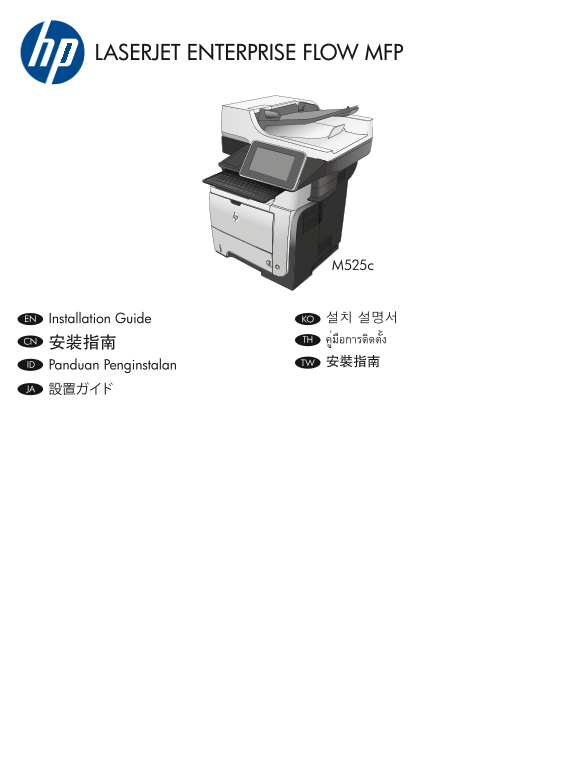
Page 1 Text Content
LASERJET ENTERPRISE FLOW MFP
EN Installation Guide KO 설치 설명서
CN คู่มือการติดตั้งTH
ID TW 安裝指南
Panduan Penginstalan JA 設置ガイド
Page Summary Contents For HP LaserJet Enterprise 500 MFP M525 LaserJet Enterprise Flow MFP M525 - Installation Guide
Manual Details
| Brand | HP |
|---|---|
| Pages | 8 |
| File Size | 2.08 MB |
| Published | May 30, 2026 |
Enter the captcha to get the download link:

Frequently Asked Questions
What is the correct order for connecting cables during setup?
First, connect the network cable. Do not connect the USB cable at this stage.
Where should I install the printer to prevent damage or poor function?
Select a sturdy, well-ventilated area, away from direct sunlight and free of dust.
How do I complete advanced configuration after basic setup?
After installing the software, you must enter the product IP address into a web browser's address bar.