D-Link DW-G650 Quick Installation Guide
Summary
The DWL-G650 is a robust 2.4GHz wireless Cardbus Adapter designed to restore crucial 802.11b/g connectivity to legacy laptop computers featuring an available 32-bit Cardbus slot. This comprehensive manual guides users through every step of the installation process, including driver setup for various Windows operating systems (XP, 2000, ME, etc.), network configuration methods (DHCP and static IP), and advanced security settings like WPA support. It is essential reading for enthusiasts and technicians reviving vintage computing hardware that requires modern wireless networking capabilities.
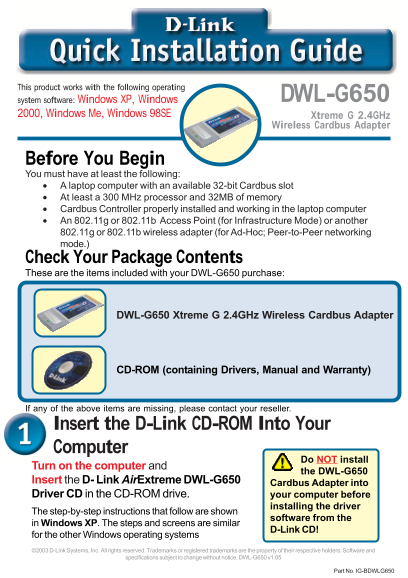
Page 1 Text Content
This product works with the following operating
system software: Windows XP, Windows DWL-G650
2000, Windows Me, Windows 98SE Xtreme G 2.4GHz
Wireless Cardbus Adapter
Before You Begin You must have at least the following: A laptop computer with an available 32-bit Cardbus slot At least a 300 MHz processor and 32MB of memory Cardbus Controller properly installed and working in the laptop computer An 802.11g or 802.11b Access Point (for Infrastructure Mode) or another 802.11g or 802.11b wireless adapter (for Ad-Hoc; Peer-to-Peer networking mode.) Check Your Package Contents These are the items included with your DWL-G650 purchase:
DWL-G650 Xtreme G 2.4GHz Wireless Cardbus Adapter
CD-ROM (containing Drivers, Manual and Warranty)
If any of the above items are missing, please contact your reseller.
Insert the D-Link CD-ROM Into Your Computer
Do NOT install
Turn on the computer and
the DWL-G650
Insert the D- Link Air Extreme DWL-G650
Cardbus Adapter into
Driver CD in the CD-ROM drive. your computer before
installing the driver
The step-by-step instructions that follow are shown
software from the
in Windows XP. The steps and screens are similar
D-Link CD!
for the other Windows operating systems ©2003 D-Link Systems, Inc. All rights reserved. Trademarks or registered trademarks are the property of their respective holders. Software and
specifications subject to change without notice. DWL-G650 v1.05
Part No. IG-BDWLG650
Page Summary Contents For D-Link DW-G650 Quick Installation Guide
Manual Details
| Brand | D-Link |
|---|---|
| Pages | 12 |
| File Size | 2.82 MB |
| Published | May 30, 2026 |
Enter the captcha to get the download link:

Frequently Asked Questions
What hardware is required to use the DWL-G650 adapter?
You need a laptop with an available 32-bit Cardbus slot, at least a 300 MHz processor, and 32MB of memory.
How do I determine if the installation was successful?
After restarting, check the system tray; the D-Link Utility icon must appear GREEN to confirm a successful connection.
What is the priority when powering on the computer after setup?
Shut down your computer completely before inserting and installing the DWL-G650 adapter into the Cardbus slot.
What security standards are supported by this device?
The device supports WPA and WPA-PSK to authorize and authenticate users onto the wireless network, improving over older encryption methods.