D-Link DIR-130 Quick Install Guide
Summary
The D-Link DIR-130 is a robust 8-port VPN Router designed to provide reliable and expandable network connectivity for homes or small offices. This comprehensive manual guides users through every aspect of setup, from physically connecting the router to your modem to advanced configurations via the web Setup Wizard. It covers hardware details, securing connections using various protocols (PPPoE/Static), and easy troubleshooting. Perfect for network enthusiasts or IT-curious beginners needing a secure foundation for multiple wired devices.
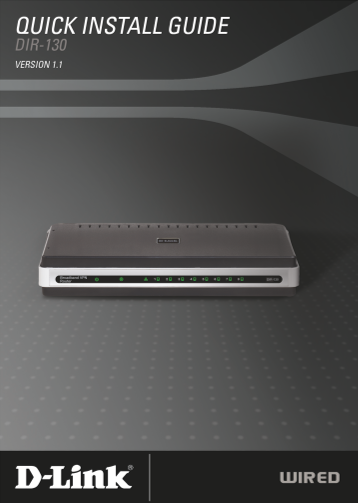
Page Summary Contents For D-Link DIR-130 Quick Install Guide
Manual Details
| Brand | D-Link |
|---|---|
| Pages | 12 |
| File Size | 1.68 MB |
| Published | May 31, 2026 |
Enter the captcha to get the download link:

Frequently Asked Questions
What must I do if I use a different power adapter?
Using a different voltage rating than the included one will void the warranty and cause damage.
How do I reset the router to factory settings?
Pressing the physical Reset button restores the device to its original default factory configurations.
What IP address should I use to access the setup wizard?
Open your web browser and navigate to http://192.168.0.1.
Which devices can be connected through the LAN Ports?
You can connect Ethernet devices such as computers, switches, and hubs using ports 1-8.