# A B C D E F G H I J K L M N O P Q R S T U V W X Y Z

D-Link DIR-457 User Manual

Summary

This comprehensive guide is designed for users of the D-Link DIR-457 myPocket 3G/HSDPA Router, providing expert instructions for setting up and optimizing your portable internet connection. Learn how to operate the router in three distinct modes: robust WiFi Router mode, specialized USB Modem mode for desktop use, or as a simple wireless access point. The manual details everything from initial SIM card insertion and battery charging procedures (via adapter or cable) to detailed technical specifications and hardware connections, ensuring reliable mobile internet connectivity wherever you go.
📄 Preview 📖 Table of Contents Contents PAGE OF 12

Page 1 Text Content

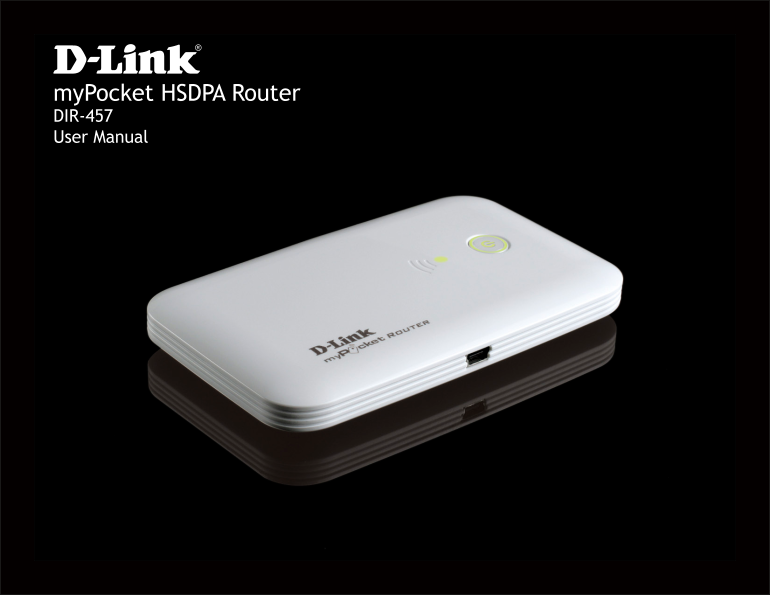
my Pocket HSDPA Router DIR-457 User Manual

Page Summary Contents For D-Link DIR-457 User Manual

Page 1 my Pocket HSDPA Router DIR-457 User Manual
Page 2 Preface D-Link reserves the right to revise this publication and to make changes in the content hereof without obligation to notify any person or organization of such revisions or changes. Manual Revi...
Page 3 Table of Contents Table of Contents Preface ........................................................................... Manual Revisions ..................................................... Trademark...
Page 4 Table of Contents iii D-Link DIR-457 User Manual
Page 5 Section 1 - Product Overview Package Contents my Pocket 3.5G HSPDA Router DIR-457 battery USB power adapter 5V 1A USB power cable travel case If any of these items are missing from your packaging, con...
Page 6 Section 1 - Product Overview Product Setup Hardware Setup INSTALL THE SIM CARD Open the SIM card and battery compartment, located on the bottom of the device. Insert the SIM card by lining up the cont...
Page 7 Section 1 - Product Overview Power Management CHARGING WITH THE POWER ADAPTER To charge the battery insert the end of the power adapter cable into the Micro-USB port of the DIR-457 my Pocket Router an...
Page 8 Section 1 - Product Overview Connection Setup USB MODEM MODE/CONNECTION MANAGER MODE 1. Move the router/modem selection switch to USB modem mode. 2. Connect the DIR-457 my Pocket Router to your comput...
Page 9 Section 1 - Product Overview Hardware Overview Connections Power Receptor USB receptor for the supplied power adapter and power cable. 5D-Link DIR-457 User Manual
Page 10 Section 1 - Product Overview Hardware Overview Top View Power button / LED RED steady light - Low battery blinking - SIM card error / no network service GREEN steady light - 2G network blinking - batt...
Page 11 Appendix C - Technical Specifications Technical Specifications Standards LEDs • IEEE 802.11b/g • Power • Signal • IEEE 802.3 Power Adapter • IEEE 802.3u • DC 5V/1A Security Power Consumption • WEP (64...
Page 12 Appendix D - Contacting Technical Support Copyright ©2009 by D-Link Corporation/D-Link Systems, Inc. All rights reserved. CE Mark Warning: This is a Class B product. In a domestic environment, this pr...

Manual Details

Brand D-Link
Pages 12
File Size 1.20 MB
Published May 28, 2026
54 views

Enter the captcha to get the download link:

captcha

Frequently Asked Questions

How long does the included battery last?

The included battery lasts up to four hours.

Which method is faster for charging the battery?

Charging using the power adapter is faster than charging via a USB port.

What do I need to use the router as a modem?

You must move the switch to 'USB modem mode' and install the Connection Manager software.

What indicators show low or no service on the device?

The LED will flash red when the battery is low, and it will display specific lights (like steady red or blinking) if there is a SIM card error or no network service.