HP Scitex FB10000 Industrial Printer Geffen TS Error 66027
Summary
This comprehensive guide provides expert-level troubleshooting steps for Error ID 66027, addressing critical ink level warnings in the Light Magenta main tank. The manual diagnoses common failure points—including pump malfunctions, clogged ink containers (Moby), faulty floater sensors, wiring disconnections, and B&R module issues. It is designed specifically for technical service professionals and trained maintenance engineers responsible for diagnosing severe electromechanical failures within high-precision printing systems.
Page 1 Text Content
Error ID: 66027: IDS - Critical ink level in the Light Magenta main tank FB10000 Error Messages Troubleshooting
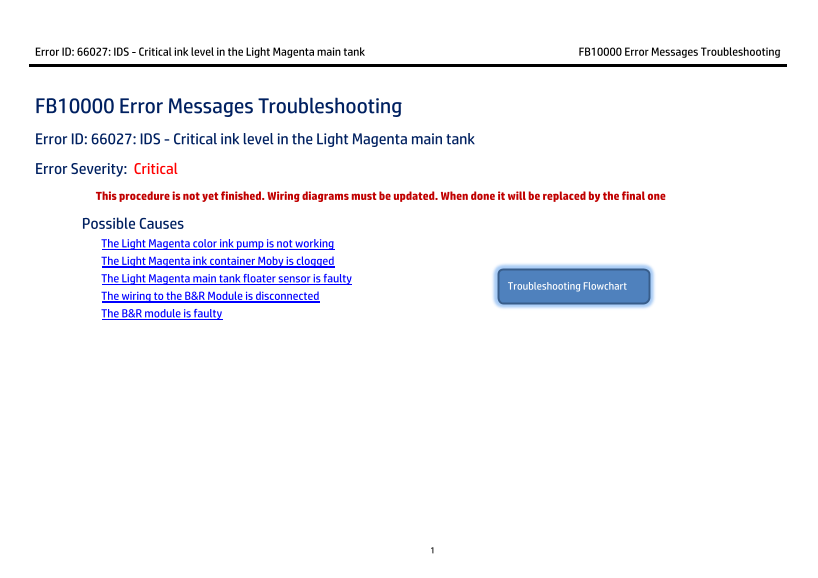
FB10000 Error Messages Troubleshooting Error ID: 66027: IDS - Critical ink level in the Light Magenta main tank Error Severity: Critical This procedure is not yet finished. Wiring diagrams must be updated. When done it will be replaced by the final one Possible Causes
The Light Magenta color ink pump is not working The Light Magenta ink container Moby is clogged The Light Magenta main tank floater sensor is faulty
Troubleshooting Flowchart
The wiring to the B&R Module is disconnected The B&R module is faulty
Page Summary Contents For HP Scitex FB10000 Industrial Printer Geffen TS Error 66027
Manual Details
| Brand | HP |
|---|---|
| Pages | 8 |
| File Size | 530.57 KB |
| Published | June 17, 2026 |
Enter the captcha to get the download link:

Frequently Asked Questions
What does Error ID: 66027 mean?
It indicates a critical low ink level in the Light Magenta main tank.
How do I check if the pump is activated when troubleshooting?
Open the IDS cabinet and gently touch the Light Magenta feeding pump. It must rotate to indicate activation.
What should I do if the B&R module is suspected to be faulty?
Power off the machine, replace the Bus Unit of the 1DI3 B&R module, and allow the PLC time (up to 2 minutes) for auto-configuration.
Is manual action needed if the floater sensor detects minimum level?
The Minimum indicator must be checked in Control tools; red suggests a fault or that the floater is down.