HP Scitex FB10000 Industrial Printer Geffen TS Error 66007
Summary
This comprehensive technical manual provides step-by-step guides for diagnosing and resolving critical cyan ink level sensor errors in automated marking systems. It serves as an essential resource for field service engineers and maintenance technicians. The guide covers systematic troubleshooting paths for common failures, including non-operational pumps, clogged tubing (Moby), inaccurate floater sensors, electrical wiring faults, and faulty B&R control modules. Following these detailed procedures ensures efficient root-cause analysis and system restoration.
Page 1 Text Content
Error ID: 66007: IDS - Critical ink level in the Cyan main tank FB10000 Error Messages Troubleshooting
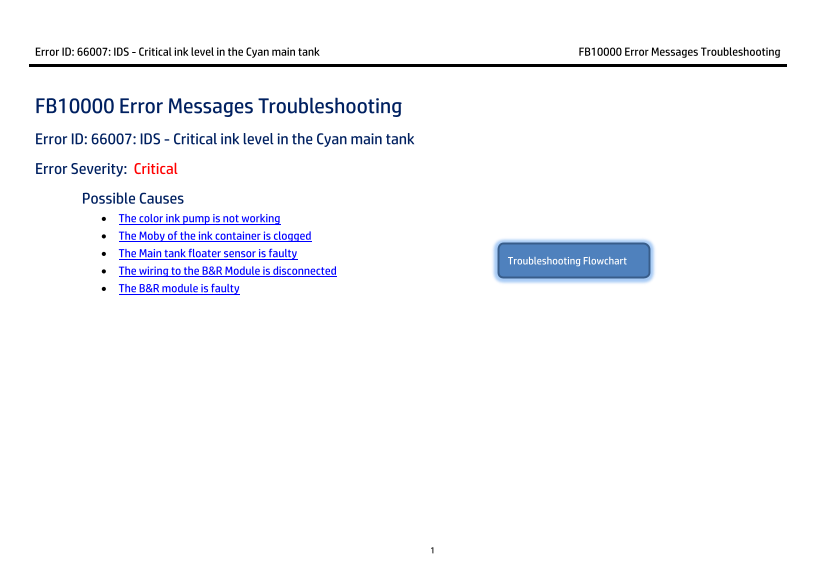
FB10000 Error Messages Troubleshooting Error ID: 66007: IDS - Critical ink level in the Cyan main tank Error Severity: Critical Possible Causes • The color ink pump is not working
• The Moby of the ink container is clogged • The Main tank floater sensor is faulty
Troubleshooting Flowchart
• The wiring to the B&R Module is disconnected • The B&R module is faulty
Page Summary Contents For HP Scitex FB10000 Industrial Printer Geffen TS Error 66007
Manual Details
| Brand | HP |
|---|---|
| Pages | 8 |
| File Size | 623.72 KB |
| Published | June 16, 2026 |
Enter the captcha to get the download link:

Frequently Asked Questions
What are the initial steps if I receive 'Error ID: 66007' regarding critical Cyan ink level?
Check the color ink pump by activating it in Control Tools (auto/manual). If that is okay, suspect a clogged Moby or a faulty floater sensor.
If the problem isn't the pump and the floater sensor seems functional, what could be the cause?
The next possible causes include a clog on the Cyan ink container’s Moby or that the B&R module itself is faulty.
What does a red indicator reading from the cyan floater sensor mean?
A Red status indicates either that the floater is mechanically down (monitoring a Minimum state) or that the sensor is simply faulty and disconnected.
What steps are needed to replace the B&R control module (BU)?
Turn off power, unplug the Terminal Block (TB), pull the old Bus Unit (BU), plug in the new BU, reconnect the TB, and then restart the machine for configuration.