HP Scitex FB10000 Industrial Printer - Geffen TS Error 66023
Summary
This comprehensive guide provides step-by-step troubleshooting for critical ink saturation errors in dispensing equipment. Designed for industrial maintenance technicians, it addresses the "Overflow in black main tank" fault by guiding users through diagnostic procedures. Learn how to test and repair faulty components, including the primary pump, overflow floater sensor, and key B&R control modules (MM4331/DI9371), ensuring precise system function and minimal downtime for your industrial machinery.
Page 1 Text Content
Error ID: 66023: IDS - Overflow in black main tank. FB10000 Error Messages Troubleshooting
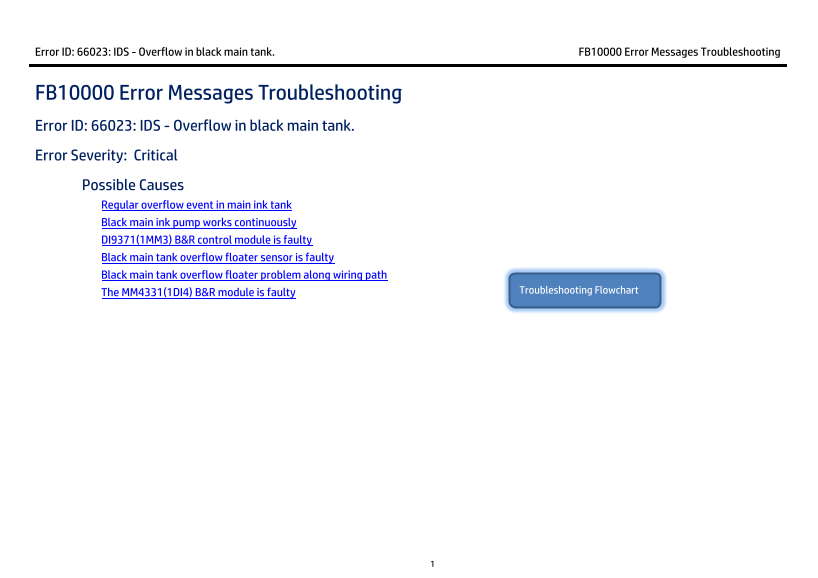
FB10000 Error Messages Troubleshooting Error ID: 66023: IDS - Overflow in black main tank. Error Severity: Critical Possible Causes Regular overflow event in main ink tank
Black main ink pump works continuously DI9371(1MM3) B&R control module is faulty Black main tank overflow floater sensor is faulty Black main tank overflow floater problem along wiring path
The MM4331(1DI4) B&R module is faulty Troubleshooting Flowchart
Page Summary Contents For HP Scitex FB10000 Industrial Printer - Geffen TS Error 66023
Manual Details
| Brand | HP |
|---|---|
| Pages | 9 |
| File Size | 759.34 KB |
| Published | June 01, 2026 |
Enter the captcha to get the download link:

Frequently Asked Questions
How do I manually clear an overflow error and reset the black main ink tank level?
Attach a female CPC quick connector to a tube, connect it to the bottom of the main tank, and allow the ink to flow freely until the correct level is reached.
If the pump activates continuously when shorted, what component should I check first?
Check the black overflow floater sensor and its wiring path down to the relevant B&R control module.
What are the general steps before replacing a B&R Bus Unit (BU)?
Turn the machine power OFF. Then, release the module terminal block and pull the old Bus Unit of its base before installing the new one.
How can I check if the black overflow floater sensor is working correctly?
In Control Tools, check the status: a gray light means no overflow was detected, while a red light indicates real ink overflow or wiring problems.