HP Scitex FB10000 Industrial Printer Geffen TS Error 66026
Summary
This comprehensive diagnostic guide is designed for technical service engineers tasked with resolving critical printing system malfunctions. It provides detailed, step-by-step troubleshooting protocols specifically addressing "Low ink level in Light Magenta main ink tank" errors. The manual covers diagnosing potential failure points across multiple components, including empty or faulty supply tanks, obstructed tubing, malfunctioning ink pumps, and electrical connection issues (wiring/Moby plugs). Use this resource to accurately identify the root cause and restore full operational functionality to your high-precision imaging system.
Page 1 Text Content
Error ID: 60026 – IDS – Low ink level in Light Magenta main ink tank. FB10000 Error Messages Troubleshooting
FB10000 Error Messages Troubleshooting Error ID: 60026 – IDS – Low ink level in Light Magenta main ink tank.
Error Message:
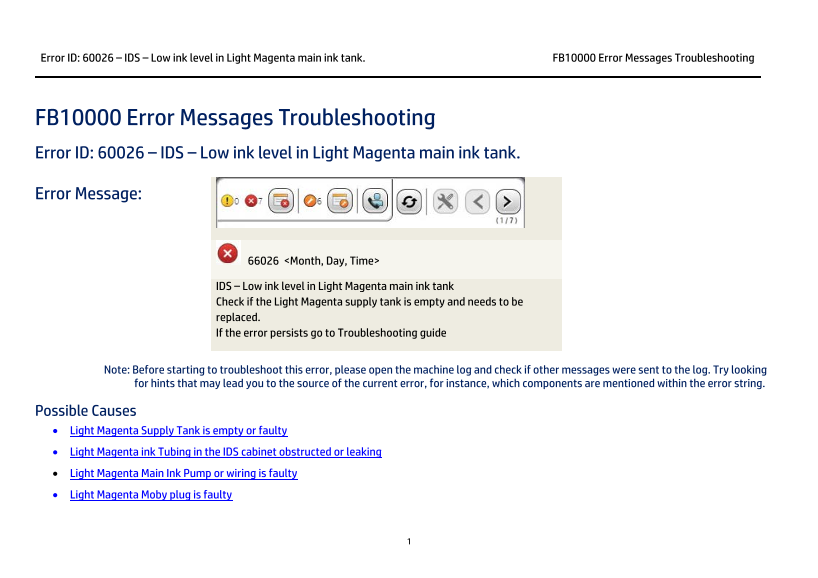
66026 <Month, Day, Time>
IDS – Low ink level in Light Magenta main ink tank Check if the Light Magenta supply tank is empty and needs to be replaced. If the error persists go to Troubleshooting guide
Note: Before starting to troubleshoot this error, please open the machine log and check if other messages were sent to the log. Try looking for hints that may lead you to the source of the current error, for instance, which components are mentioned within the error string.
Possible Causes • Light Magenta Supply Tank is empty or faulty • Light Magenta ink Tubing in the IDS cabinet obstructed or leaking • Light Magenta Main Ink Pump or wiring is faulty • Light Magenta Moby plug is faulty
Page Summary Contents For HP Scitex FB10000 Industrial Printer Geffen TS Error 66026
Manual Details
| Brand | HP |
|---|---|
| Pages | 7 |
| File Size | 469.11 KB |
| Published | June 15, 2026 |
Enter the captcha to get the download link:

Frequently Asked Questions
What is the first step to troubleshoot Error ID 60026?
First, visually inspect if the Light Magenta supply tank is empty; replace it if needed. If not empty, remove and reconnect the Moby plug.
How do I test for clogs or leaks in the light magenta ink lines?
Inspect the entire tubing route for bends or leaks, then activate the pump and try flowing ink into an empty bottle to check for blockages.
What checks confirm if the main ink tank float is working correctly?
Open Control Tools; by manually sliding the float while monitoring the indicator's color change, you can verify its proper function.