HP Scitex FB10000 Industrial Printer Geffen TS Error 66018
Summary
This comprehensive technical guide assists maintenance professionals in troubleshooting overflow errors specific to yellow main ink tanks. The manual provides step-by-step diagnostic instructions for identifying root causes, ranging from physical overflow events and faulty pumping systems to detection issues related to various B&R control modules (MM4331 and DI9371). It covers mechanical draining procedures, thorough wiring checks, and detailed replacement protocols for electronic Bus Units. Essential reading for industrial technicians ensuring the reliable operation of advanced fluid management machinery.
Page 1 Text Content
Error ID: 66018: IDS - Overflow in yellow main tank. FB10000 Error Messages Troubleshooting
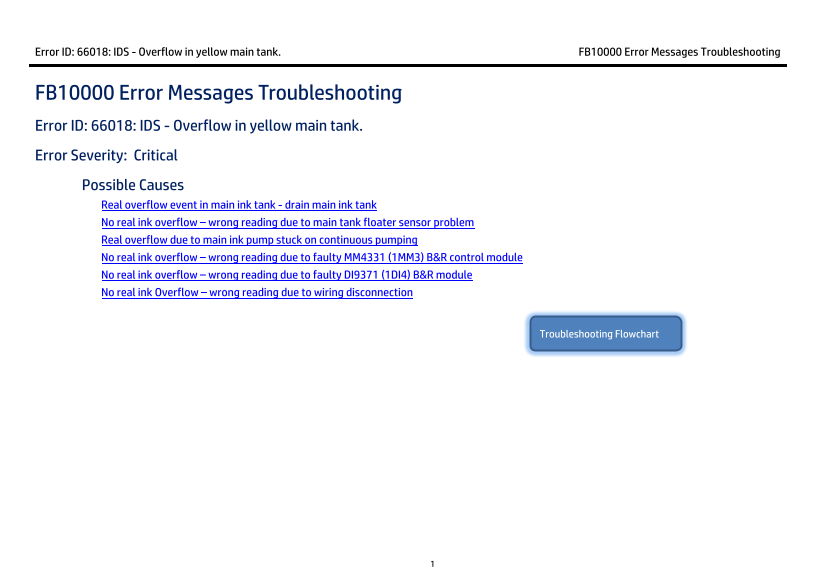
FB10000 Error Messages Troubleshooting Error ID: 66018: IDS - Overflow in yellow main tank. Error Severity: Critical Possible Causes Real overflow event in main ink tank - drain main ink tank
No real ink overflow – wrong reading due to main tank floater sensor problem Real overflow due to main ink pump stuck on continuous pumping No real ink overflow – wrong reading due to faulty MM4331 (1MM3) B&R control module No real ink overflow – wrong reading due to faulty DI9371 (1DI4) B&R module No real ink Overflow – wrong reading due to wiring disconnection
Troubleshooting Flowchart
Page Summary Contents For HP Scitex FB10000 Industrial Printer Geffen TS Error 66018
Manual Details
| Brand | HP |
|---|---|
| Pages | 9 |
| File Size | 689.64 KB |
| Published | June 06, 2026 |
Enter the captcha to get the download link:

Frequently Asked Questions
What is the initial action if the overflow error is due to a real event?
Drain the yellow main ink tank by connecting a female CPC quick connector (PN CX145-06740) and letting the ink flow into an appropriate collecting container.
How can I diagnose a constant or stuck ink pump signal?
Use In Control Tools to cycle the yellow main tank pump. If it reacts, check the float sensor/wiring; if not, examine the pump wiring path or the B&R control module itself.
What is the procedure for replacing a malfunctioning B&R control module (e.g., MM4331)?
Turn off machine power, release the terminal block and Bus Unit of the old module, install the new Bus Unit on its base, reconnect the terminal block until it clicks, and then restore power.