HP DesignJet Z5400 PostScript Printer User's Guide
Summary
This comprehensive guide provides essential instructions for setting up and operating your professional HP color inkjet printer, designed for high-quality, large-format printing. The manual details everything from safety precautions and front panel navigation to connecting Web Services for features like automatic firmware updates and mobile printing (ePrint). It is the perfect resource for new users needing a complete overview of its capabilities and expert troubleshooting tips.
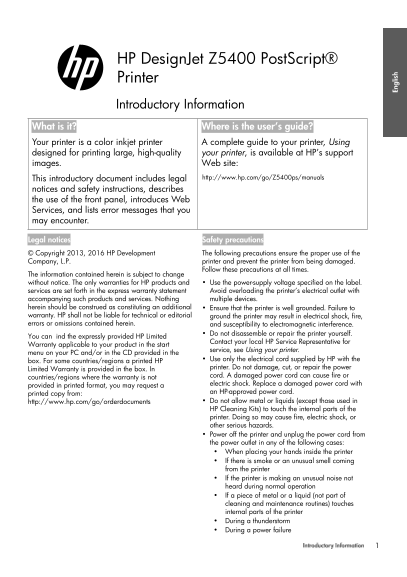
Page 1 Text Content
HP Design Jet Z5400 Post Script® Printer Introductory Information
What is it? Where is the user’s guide? Your printer is a color inkjet printer A complete guide to your printer, Using designed for printing large, high-quality your printer, is available at HP’s support images. Web site:
This introductory document includes legal http://www.hp.com/go/Z5400ps/manuals
notices and safety instructions, describes the use of the front panel, introduces Web Services, and lists error messages that you may encounter.
Legal notices Safety precautions
© Copyright 2013, 2016 HP Development The following precautions ensure the proper use of the Company, L.P. printer and prevent the printer from being damaged. Follow these precautions at all times.
The information contained herein is subject to change without notice. The only warranties for HP products and Use the power-supply voltage specified on the label. services are set forth in the express warranty statement Avoid overloading the printer’s electrical outlet with accompanying such products and services. Nothing multiple devices. herein should be construed as constituting an additional Ensure that the printer is well grounded. Failure to warranty. HP shall not be liable for technical or editorial ground the printer may result in electrical shock, fire, errors or omissions contained herein. and susceptibility to electromagnetic interference.
Do not disassemble or repair the printer yourself.
You can ind the expressly provided HP Limited
Contact your local HP Service Representative for
Warranty applicable to your product in the start
service, see Using your printer.
menu on your PC and/or in the CD provided in the
box. For some countries/regions a printed HP Use only the electrical cord supplied by HP with the Limited Warranty is provided in the box. In printer. Do not damage, cut, or repair the power countries/regions where the warranty is not cord. A damaged power cord can cause fire or provided in printed format, you may request a electric shock. Replace a damaged power cord with printed copy from: an HP-approved power cord.
En gl is
http://www.hp.com/go/orderdocuments Do not allow metal or liquids (except those used in HP Cleaning Kits) to touch the internal parts of the printer. Doing so may cause fire, electric shock, or other serious hazards. Power off the printer and unplug the power cord from the power outlet in any of the following cases: When placing your hands inside the printer If there is smoke or an unusual smell coming from the printer If the printer is making an unusual noise not heard during normal operation If a piece of metal or a liquid (not part of cleaning and maintenance routines) touches internal parts of the printer During a thunderstorm During a power failure
Introductory Information
HP - Learning Products - Barcelona
Page Summary Contents For HP DesignJet Z5400 PostScript Printer User's Guide
Manual Details
| Brand | HP |
|---|---|
| Pages | 31 |
| File Size | 2.28 MB |
| Published | May 29, 2026 |
Enter the captcha to get the download link:

Frequently Asked Questions
How can I print using Web Services?
Simply attach a PDF or other print-ready file to an email message, and send it to your printer’s dedicated address.
What should I do if the printer fails to get an IP address?
Connect the printer to another network or change the IPv4 configuration.
Before performing maintenance near internal parts, what precautions must be taken?
Power off, unplug the power cord, and ensure no metal or liquids touch the internal components.