Hewlett-Packard HP Scitex FB10000 Industrial Printer Geffen TS Error 66056
Summary
This essential technical guide provides comprehensive troubleshooting for pneumatic system failures, specifically addressing Error ID 66056 concerning cross valve closure issues. It details step-by-step diagnostics, enabling users to pinpoint root causes—whether they involve low pneumatic pressure, incorrect electrical voltage supply (24V), mechanical sticking, or faulty B&R control modules and sensors. Ideal for certified industrial technicians and maintenance professionals, this manual ensures safe and accurate resolution of critical machine errors.
Page 1 Text Content
Error ID: 66056: Black cross valve front failed to close FB10000 Error Messages Troubleshooting
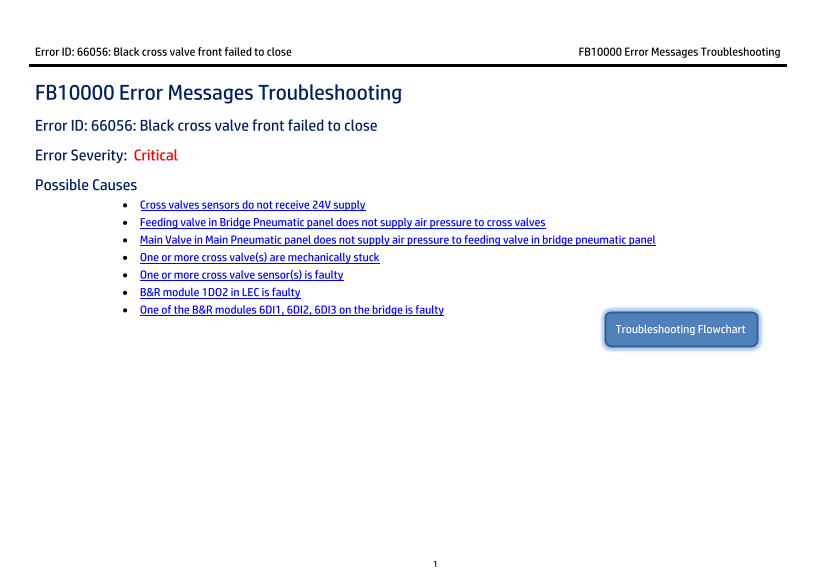
FB10000 Error Messages Troubleshooting Error ID: 66056: Black cross valve front failed to close Error Severity: Critical Possible Causes
Cross valves sensors do not receive 24V supply Feeding valve in Bridge Pneumatic panel does not supply air pressure to cross valves Main Valve in Main Pneumatic panel does not supply air pressure to feeding valve in bridge pneumatic panel One or more cross valve(s) are mechanically stuck One or more cross valve sensor(s) is faulty B&R module 1DO2 in LEC is faulty One of the B&R modules 6DI1, 6DI2, 6DI3 on the bridge is faulty
Troubleshooting Flowchart
Page Summary Contents For Hewlett-Packard HP Scitex FB10000 Industrial Printer Geffen TS Error 66056
Manual Details
| Brand | HP |
|---|---|
| Pages | 7 |
| File Size | 639.43 KB |
| Published | June 02, 2026 |
Enter the captcha to get the download link:

Frequently Asked Questions
The 'Black cross valve front failed to close' error has occurred. What should I check first?
Check the central 24V supply path from the LEC to the cross-valves, and verify wiring and connections.
My cross valves are not getting pressurized air (7 Bar). Where do I troubleshoot this?
Check the air tube from the Feeding valve in the Bridge pneumatic panel, then check the air outlet 1 from the Main Valve in the Main pneumatic panel. Also, repair any air tubing leakage.
What if a single cross valve fails to close and seems stuck?
Ensure both air feed and voltage are okay. For the stuck valve, remove its cover, confirm the flag does not move when commanded, indicating it needs replacement.