Hewlett-Packard HP Scitex FB10000 Industrial Printing Press Geffen TS Error 66032
Summary
This comprehensive manual serves as an essential diagnostic guide for technicians maintaining critical industrial ink dispensing systems. It provides step-by-step troubleshooting procedures for managing Error ID 66032: Critical Light Cyan Ink Level. The documentation guides users through identifying and resolving issues ranging from faulty pumps and clogged manifolds to connectivity errors in the wiring path, malfunctioning float sensors, and necessary replacements of the B&R control module itself. Ideal for skilled service engineers executing advanced preventative maintenance and repair work.
Page 1 Text Content
Error ID: 66032: IDS - Critical ink level in the Light Cyan main tank FB10000 Error Messages Troubleshooting
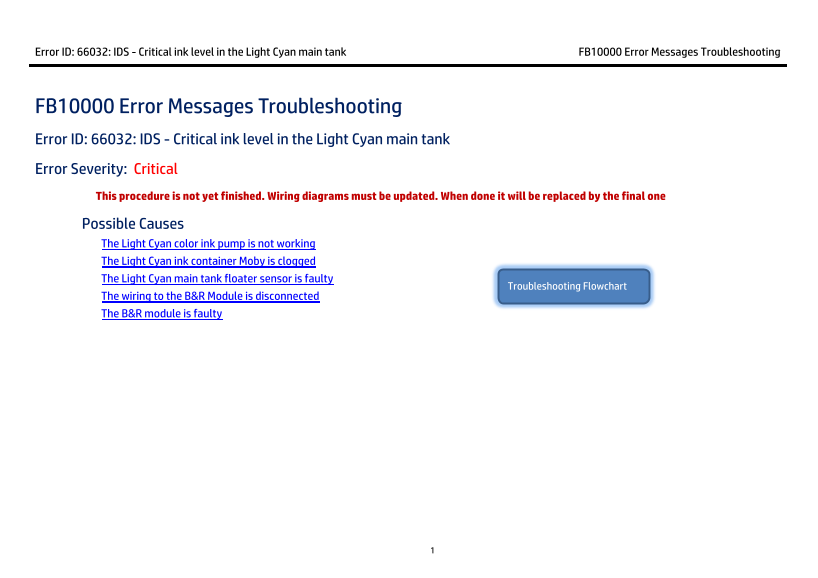
FB10000 Error Messages Troubleshooting Error ID: 66032: IDS - Critical ink level in the Light Cyan main tank Error Severity: Critical This procedure is not yet finished. Wiring diagrams must be updated. When done it will be replaced by the final one Possible Causes
The Light Cyan color ink pump is not working The Light Cyan ink container Moby is clogged The Light Cyan main tank floater sensor is faulty
Troubleshooting Flowchart
The wiring to the B&R Module is disconnected The B&R module is faulty
Page Summary Contents For Hewlett-Packard HP Scitex FB10000 Industrial Printing Press Geffen TS Error 66032
Manual Details
| Brand | HP |
|---|---|
| Pages | 8 |
| File Size | 530.36 KB |
| Published | June 17, 2026 |
Enter the captcha to get the download link:

Frequently Asked Questions
How can I test if the Light Cyan ink pump is working properly?
In Control Tools, use both Auto and Manual methods for testing. You should also manually check if it rotates by hand in the IDS cabinet.
What do the Red and Gray indicator lights mean for the floater sensor?
A Red light indicates the floater is faulty or down; a Gray light suggests normal operation (the floater is in the middle).
If I suspect a faulty B&R module, how do I replace it?
Power off the machine, unplug the terminal block, pull out the old Bus Unit, install the new unit, and then allow the PLC to reconfigure, which takes up to two minutes.
What should I check if the pump cannot be activated?
Check the connectivity along the wiring path between the Light Cyan feeding pump and pins 14 and 24 in the B&R module/MM4331.