HP Scitex FB10000 Industrial Printing Press Geffen TS Error 66011
Summary
This comprehensive diagnostic guide resolves Error ID 60011, addressing low ink levels in the Magenta main ink tank. It provides detailed troubleshooting steps for technical staff, covering possible causes such as empty supply tanks, obstructed tubing, faulty pumps, or clogged Moby plugs. The manual walks users through checking float indicators, inspecting wiring integrity, and confirming component functionality to restore optimal printing performance.
Page 1 Text Content
Error ID: 60011 – IDS – Low ink level in Magenta main ink tank. FB10000 Error Messages Troubleshooting
FB10000 Error Messages Troubleshooting Error ID: 60011 – IDS – Low ink level in Magenta main ink tank.
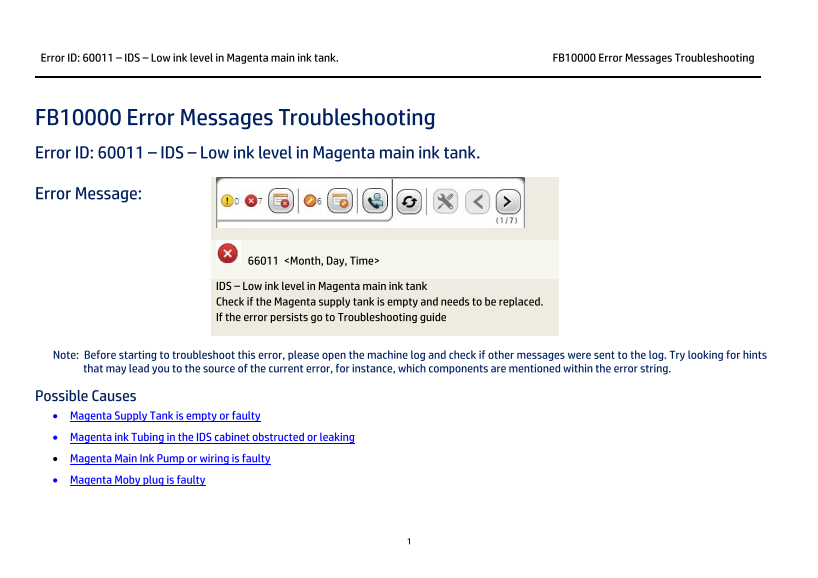
Error Message:
66011 <Month, Day, Time>
IDS – Low ink level in Magenta main ink tank Check if the Magenta supply tank is empty and needs to be replaced. If the error persists go to Troubleshooting guide
Note: Before starting to troubleshoot this error, please open the machine log and check if other messages were sent to the log. Try looking for hints that may lead you to the source of the current error, for instance, which components are mentioned within the error string.
Possible Causes • Magenta Supply Tank is empty or faulty • Magenta ink Tubing in the IDS cabinet obstructed or leaking • Magenta Main Ink Pump or wiring is faulty • Magenta Moby plug is faulty
Page Summary Contents For HP Scitex FB10000 Industrial Printing Press Geffen TS Error 66011
Manual Details
| Brand | HP |
|---|---|
| Pages | 7 |
| File Size | 491.03 KB |
| Published | June 18, 2026 |
Enter the captcha to get the download link:

Frequently Asked Questions
What does Error ID 60011 mean?
It indicates low ink level in the Magenta main ink tank.
How do I start troubleshooting this ink error?
Open the machine log first to check if any other related error messages are available for hints.
If the Magenta Supply Tank is not empty, what should I try first?
Remove and reconnect the Moby plug. If the issue continues, replace the supply tank entirely.
What steps confirm the status of the main ink float?
Open Control Tools -> Sub Systems -> Ink; check for 'Fill' (Green) or 'Low' (Green). Manually slide the floats to verify indications change color.
If the pump doesn't work, what should I inspect?
Check the electrical wiring: CX161-02740 and CX161-03040 between the IDS panel J5 Magenta connection and the relevant modules.