# A B C D E F G H I J K L M N O P Q R S T U V W X Y Z

D-Link DUB-1310 User Guide

Summary

Boost your PC's connectivity with the D-Link DUB-1310, a low-profile PCIe card that adds two super-speed USB 3.0 ports, allowing for transfer rates up to 5 Gbps. This comprehensive manual guides you through every aspect of setup, detailing system requirements, step-by-step hardware installation (including powering and driver setup), and exact technical specifications. It is essential reading for PC owners looking to efficiently expand their available high-speed USB ports and improve peripheral connectivity while maintaining a clean internal build.
📄 Preview PAGE OF 8

Page 1 Text Content

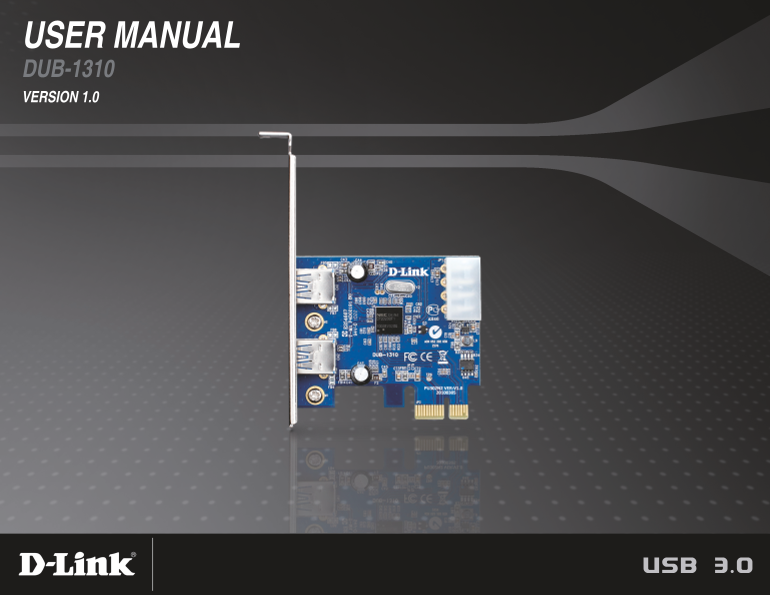
USER MANUAL DUB-1310 VERSION 1.0

Page Summary Contents For D-Link DUB-1310 User Guide

Page 1 USER MANUAL DUB-1310 VERSION 1.0
Page 2 Preface D-Link reserves the right to revise this publication and to make changes in the content hereof without obligation to notify any person or organization of such revisions or changes. Manual Revi...
Page 3 Table of Contents Product Overview ........................................................4 Package Contents ...................................................4 System Requirements ....................
Page 4 Product Overview Package Contents DUB-1310 2-Port USB Low-profile bracket Quick Installation Guide Installation CD 3.0 PCI Express Card If any of the above items are missing, please contact your resel...
Page 5 Product Overview Features Super Speed USB 3.0 Connect your PC to USB 3.0 devices at unprecedented speeds of up to 5 Gbps - up to 10 times faster than USB 2.0. You can back up your photos, music, and H...
Page 6 Product Overview Hardware Overview Power Connector Connects to a 4-pin 5V peripheral power adapter. USB Ports PCIe x1 Interface Connects to USB peripherals. Connects to your PC’s PCIe slot. 6D-Link DU...
Page 7 Product Overview Installation 1. Before installing the DUB-1310, put the Installation CD in your CD-ROM drive. 2. From the Autorun menu, click on Install Drivers and follow the instructions to install...
Page 8 Appendix A - Technical Specifications Technical Specifications Interface Supplied Power PCI Express x1 Maximum 900 m A per port 2 downstream USB Type A (female) ports Dimensions (L x W x H) Standards ...

Manual Details

Brand D-Link
Pages 8
File Size 2.14 MB
Published May 31, 2026
38 views

Enter the captcha to get the download link:

captcha

Frequently Asked Questions

What is the maximum data transfer rate of this device?

The SuperSpeed USB 3.0 offers speeds up to 5 Gbps.

Is additional connectivity possible with the DUB-1310?

Yes, you can connect additional USB hubs to support up to 127 devices.

What operating system versions are required for installation?

The minimum required operating systems are Windows 7/Vista/XP SP3 or higher.

How do I physically install the PCIe card?

Insert the DUB-1310 into an available PCIe slot and connect a 4-pin 5V peripheral power connector.