Quick User Guide - Philips BDL4651VH
Summary
This essential guide provides comprehensive instructions for setting up and operating the LCD Display BDL4651VH. The manual assists users with initial power connections, basic cable setup, and navigating all operational functions, including adjusting contrast, brightness, and input sources. It emphasizes proper handling during setup and strictly advises consulting a professional technician for safe and correct wall mounting installation. Key functional details, such as the precise sensor location when rotating the screen, are included to ensure optimal viewing performance.
Page 1 Text Content
LCD Display BDL4651VH
BDL4651VH
LCD Display
BDL4651VH
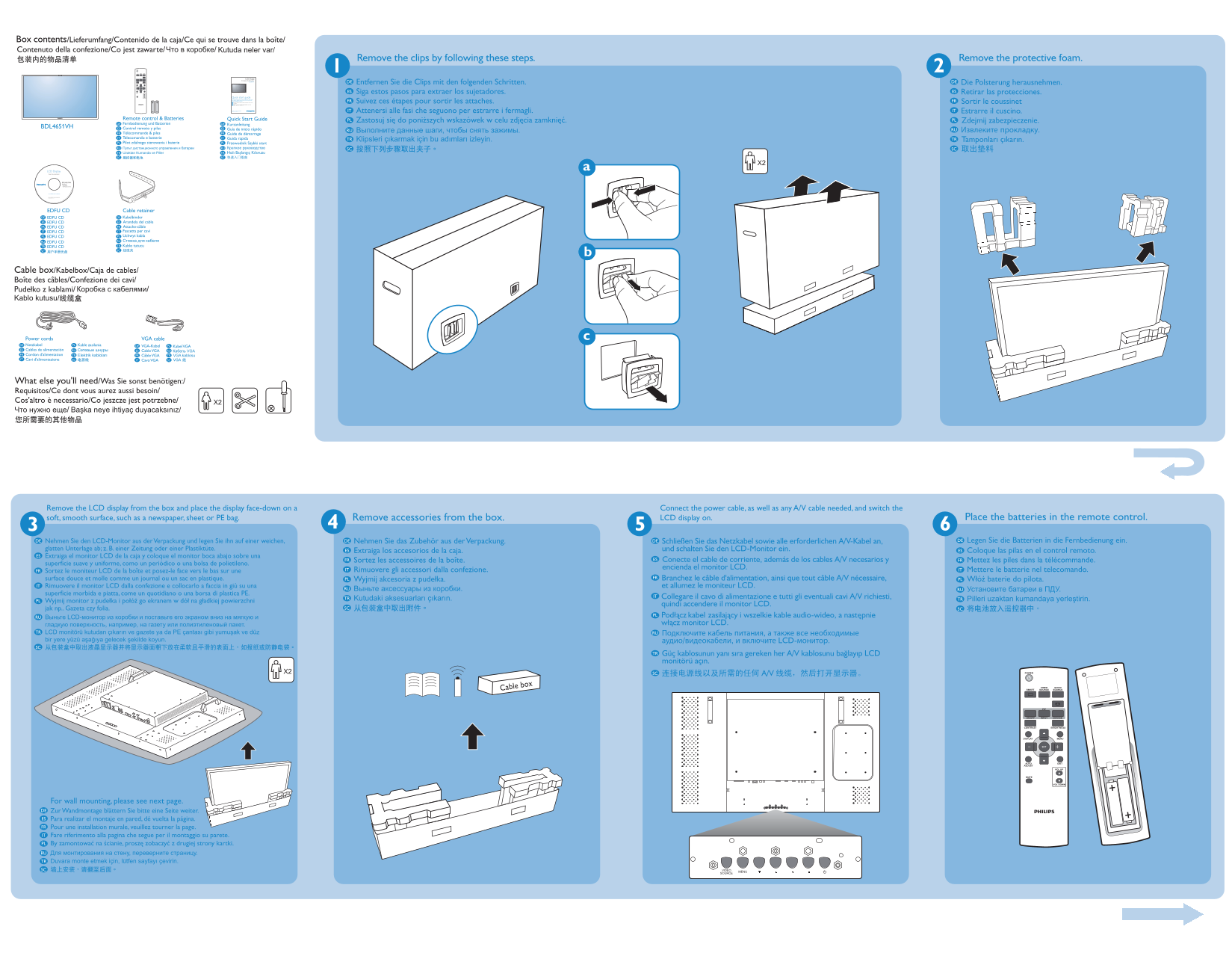
Remove the LCD display from the box and place the display face-down on a Connect the power cable, as well as any A/V cable needed, and switch the soft, smooth surface, such as a newspaper, sheet or PE bag. LCD display on.
POWER
SMART SOURCE VIDEO SOURCE AUDIO
INPUTON/OFF CHANGE
BRIGHTNESSCONTRAST
DISPLAY MENU
ADJUST AUTO EXIT
VOL UP
VOL DOWN
For wall mounting, please see next page.
Page Summary Contents For Quick User Guide - Philips BDL4651VH
Manual Details
| Brand | Philips |
|---|---|
| Pages | 2 |
| File Size | 1.75 MB |
| Published | July 06, 2026 |
Enter the captcha to get the download link:

Frequently Asked Questions
What should I do if I need to mount the LCD display on a wall?
Consult a professional technician for correct installation.
Where should the remote control sensor be located when rotating the screen?
The remote control sensor must be positioned on the left side.
How should I prepare the LCD display before setting it up?
Remove the display from the box and place it face-down on a soft, smooth surface like newspaper or a PE bag.
What information is provided if I have queries about setup?
Please consult your dealer or service center for any queries.