Philips CID3287 Quick User Guide
Summary
Upgrade your vehicle's entertainment system with this comprehensive car audio unit. This manual provides detailed, step-by-step instructions covering everything from professional wiring connections and dashboard mounting to advanced features. Users will learn how to operate various source types, including CDs/DVDs, USB drives, and integrated Bluetooth connectivity for seamless phone calls and streaming. Ideal for car owners looking for a modern, expandable, and high-quality audio experience.
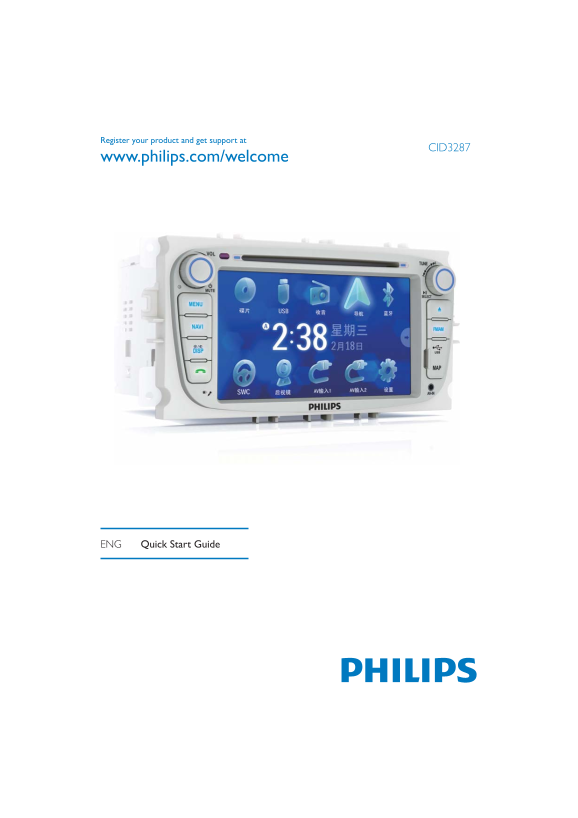
Page 1 Text Content
Register your product and get support at
CID3287
www.philips.com/welcome
ENG Quick Start Guide
Page Summary Contents For Philips CID3287 Quick User Guide
Manual Details
| Brand | Philips |
|---|---|
| Pages | 9 |
| File Size | 1.04 MB |
| Published | June 04, 2026 |
Enter the captcha to get the download link:

Frequently Asked Questions
What safety steps must I take before connecting the power leads?
Before connection, ensure the ignition is off and that bare wires are insulated and do not touch each other to prevent short-circuits.
How many Bluetooth devices can be paired with this car audio unit?
You can pair up to eight Bluetooth devices.
What types of media discs are compatible with the unit?
It supports DVD video, VCD, and various CD formats including Audio, CD-R, and CD-RW.
Where should I mount the unit securely in the vehicle?
You must always install this unit in the dashboard and use only the supplied mounting hardware for safe attachment.