PHILIPS CID3292 Quick User Guide
Summary
Master your electronic radio receiver with this comprehensive user manual. It provides clear, step-by-step instructions on setup, operation, and advanced troubleshooting for optimal performance. Learn how to navigate the digital menu system, precisely adjust volume, and tune across all available frequency bands. This guide is essential reading for current owners who require detailed operational knowledge and dependable ease of use from their Philips audio equipment.
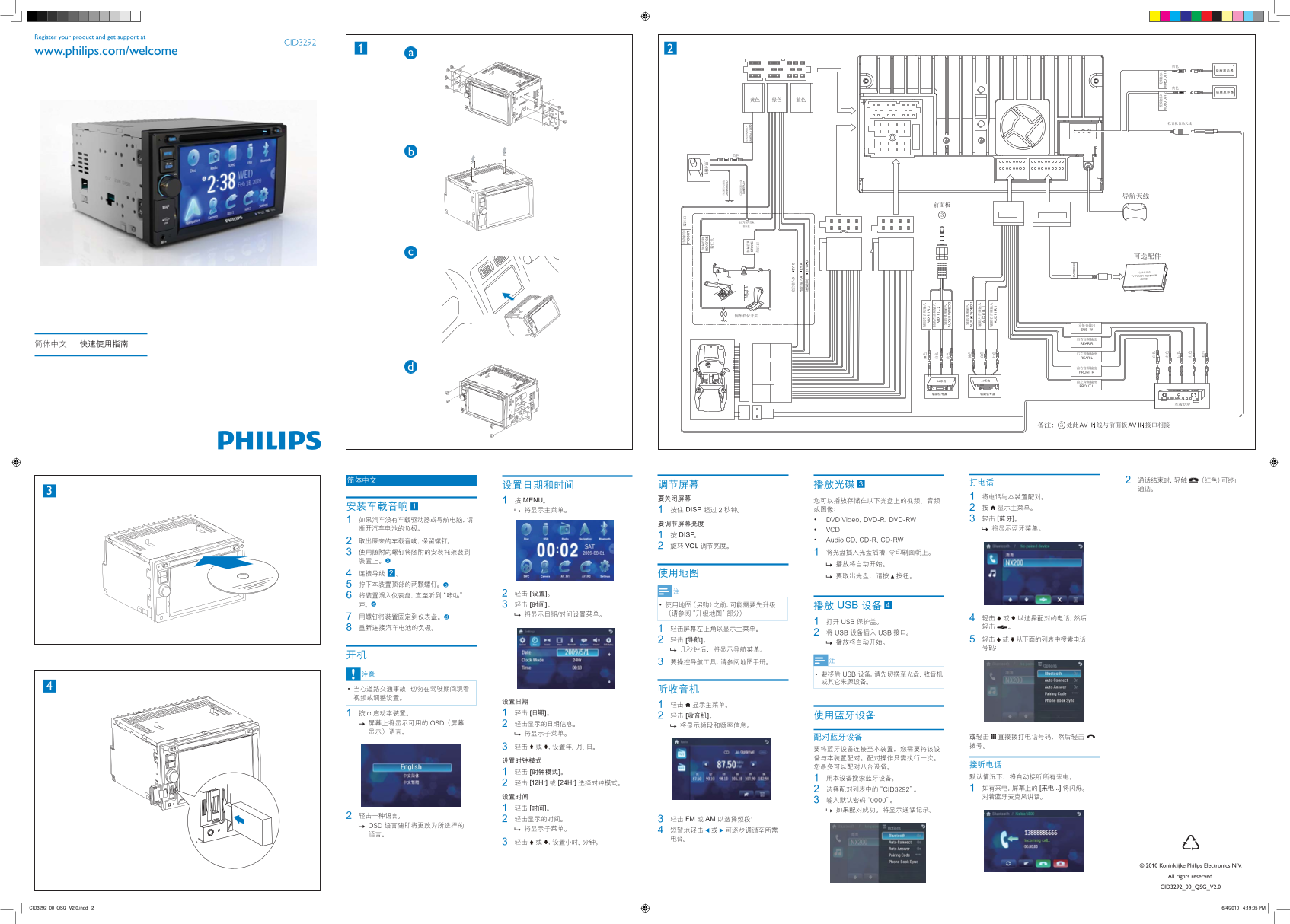
Page 1 Text Content
Register your product and get support at
CID3292
www.philips.com/welcome
DISP VOL
[12Hr] [24Hr]
FM AM
Koninklijke Philips Electronics N.V.
All rights reserved.
CID3292_00_QSG_V2.0
CID3292_00_QSG_V2.0.indd 2 6/4/2010 4:19:05 PM
Page Summary Contents For PHILIPS CID3292 Quick User Guide
Manual Details
| Brand | Philips |
|---|---|
| Pages | 1 |
| File Size | 1.16 MB |
| Published | June 04, 2026 |
Enter the captcha to get the download link:

Frequently Asked Questions
What frequency can this device monitor?
It monitors frequencies ranging from 26 to 26' MHz.
How is the signal processed for enhanced performance?
The signal undergoes "enhanced processing" by utilizing specialized circuit boards and advanced filtering techniques.
How does the unit activate its main display?
Pressing the 'DISP' button activates the main display, showing parameters like frequency and voltage.
Where can I find support or register my product?
You can register your product and get support at CID3292 1 2 www.philips.com/welcome.