Philips MCM240B Quick User Guide
Summary
Master the setup and operation of your new stereo system with this comprehensive quick start guide and user manual. This resource provides step-by-step instructions for connecting all components, including FM/MW antennas, speakers, and AC power cords. It details everything from connecting speaker wires correctly to loading CDs and managing MP3 playback. Ideal for new owners, this guide ensures you can quickly and safely get your audio unit running for optimal music enjoyment.
Page 1 Text Content
MCM240B
Quick start guide
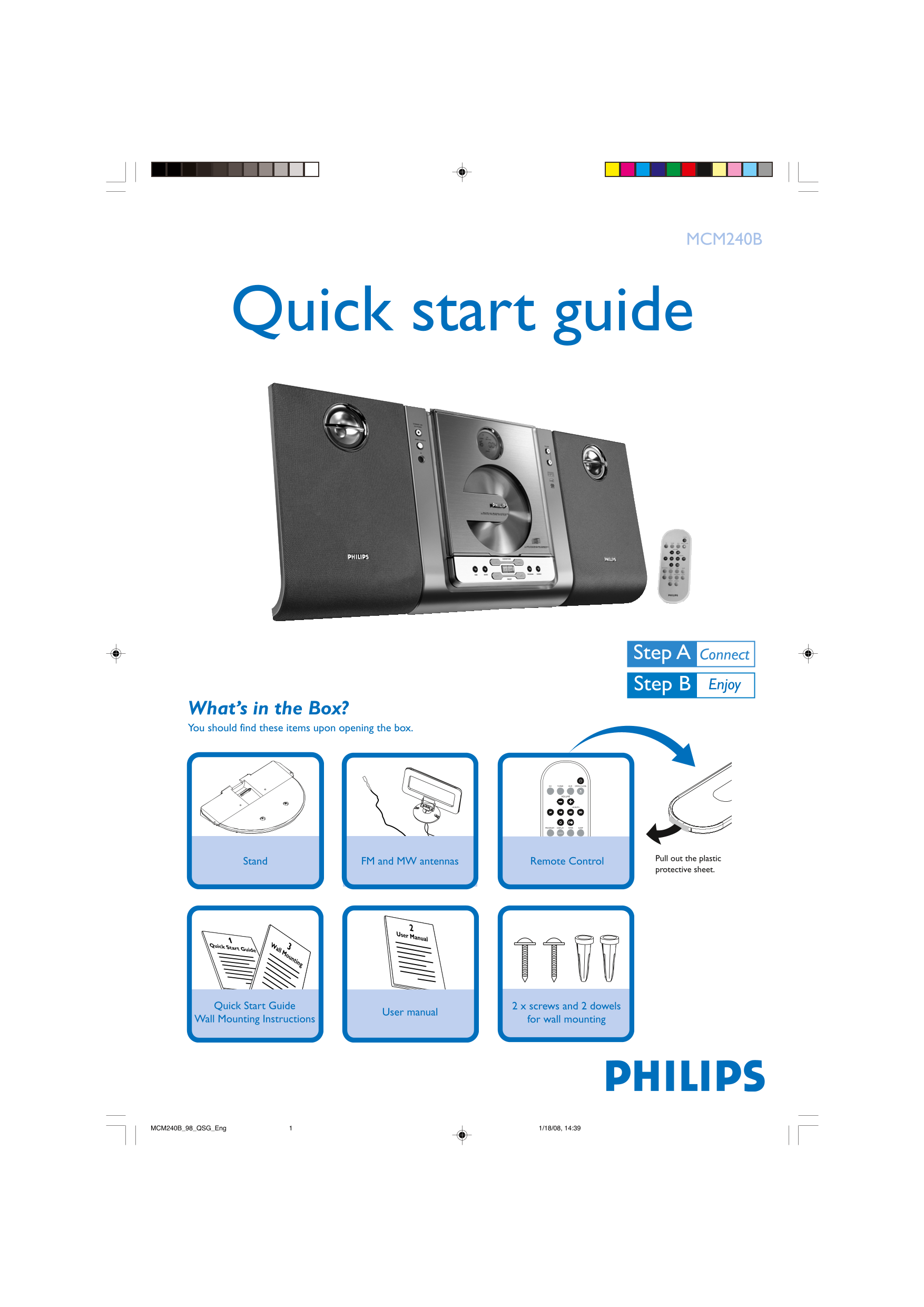
What’s in the Box? You should find these items upon opening the box.
Pull out the plastic
Stand FM and MW antennas Remote Control
protective sheet.
User Manual
Quick Start Guide 3W
all Mounting
Quick Start Guide 2 x screws and 2 dowels
User manual
Wall Mounting Instructions for wall mounting
MCM240B_98_QSG_Eng 1/18/08, 14:391
Page Summary Contents For Philips MCM240B Quick User Guide
Manual Details
| Brand | Philips |
|---|---|
| Pages | 2 |
| File Size | 625.31 KB |
| Published | July 15, 2026 |
Enter the captcha to get the download link:

Frequently Asked Questions
How do I connect the antennas and speakers?
Connect the MW loop antenna and FM antenna to their terminals. Connect speaker wires (right to "RIGHT," left to "LEFT") using marked (+) and unmarked (–) wires.
What is the required voltage for this unit?
It uses a selectable voltage: 110V-127V or 220V-240V, but check if it's compatible with all versions.
How do I load and play a CD?
Press SOURCE to select CD. Open the compartment, insert a CD (printed side up), close it, then press PRESET until the desired track appears, and finally press ÉÅ to start.