PHILIPS MCM149 Quick Start Guide
Summary
Get up and running with your MCM149 audio system using this comprehensive quick start guide. This manual provides new owners with everything needed for successful setup, covering initial hardware connections, setting the precise time, playing CDs like a professional, and efficiently programming or tuning into favorite radio stations. It is essential reading for any user looking to quickly familiarize themselves with all core features and begin enjoying high-quality sound immediately.
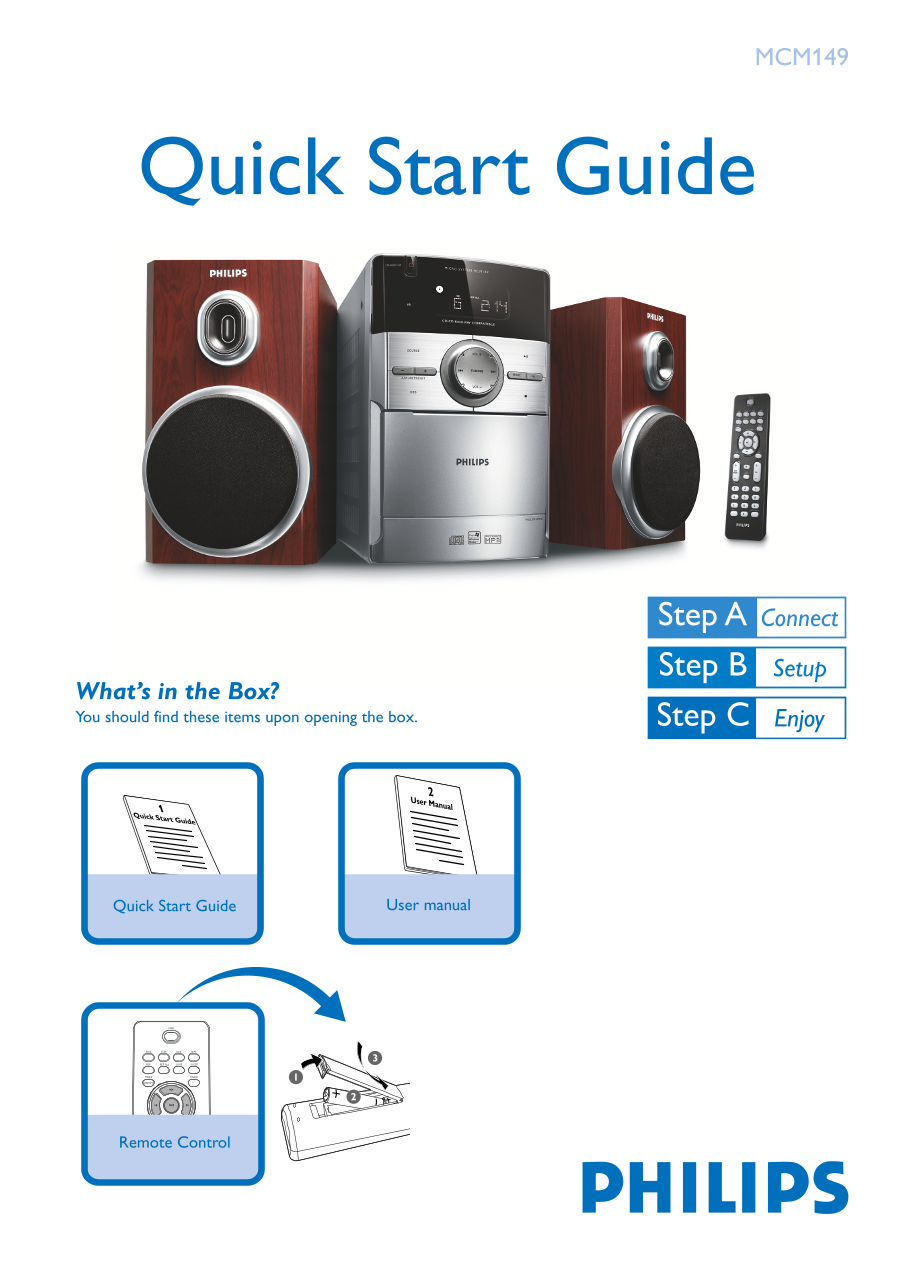
Page 1 Text Content
MCM149
Quick Start Guide
What’s in the Box? You should find these items upon opening the box.
User Manual
Quick Start Guide
Quick Start Guide User manual
Remote Control PRESET ALB/
MCM149_QSG_Eng 2007.8.22, 2:29 PM1
Page Summary Contents For PHILIPS MCM149 Quick Start Guide
Manual Details
| Brand | Philips |
|---|---|
| Pages | 4 |
| File Size | 507.30 KB |
| Published | July 06, 2026 |
Enter the captcha to get the download link:

Frequently Asked Questions
How do I connect the system?
Connect speaker wires to SPEAKERS terminals and plug the power cord into an AC outlet.
How do I set the clock time?
Press and hold CLOCK/DISPLAY on the remote for 2 seconds, then use PROG to select 12 or 24-hour format. Follow steps 3-7 using TUNING to adjust hours and minutes before confirming with CLOCK/DISPLAY.
How do I play a CD?
Select CD source, open the door, insert the disc (printed side up), close it by pressing PULL TO OPEN, and press Play to start. Press 9 to stop.