Philips iPod Docking Cradle for WAC7500, WAS7500 Quick Start Guide
Summary
This quick start guide provides setup and operating instructions for the Philips DC1050 iPod docking cradle, designed for use with the WAC7500 and WAS7500 wireless music systems. It covers hardware connection, dock adapter installation for various iPod models, playback control via remote, and battery charging for seamless iPod integration into the home audio system.
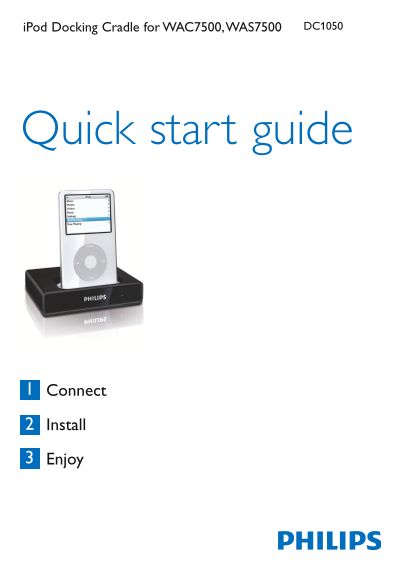
Page 1 Text Content
i Pod Docking Cradle for WAC7500, WAS7500 DC1050
Quick start guide
Connect
Install
Enjoy
Page Summary Contents For Philips iPod Docking Cradle for WAC7500, WAS7500 Quick Start Guide
Manual Details
| Brand | Philips |
|---|---|
| Pages | 4 |
| File Size | 664.45 KB |
| Published | June 17, 2026 |
Enter the captcha to get the download link:

Frequently Asked Questions
What types of Apple iPods are compatible with this docking cradle?
It supports various models including the iPod video, nano, Photo, and mini.
How should I initially connect the docking cradle to the Music Center or Station?
Connect the RCA red & white plugs to the Audio IN jacks, then use the DC 9-pins DIN plug for the solid connection.
Does the system automatically charge my iPod while it is docked?
Yes, when the iPod is connected and the Music Center or Station is turned on, its battery will charge automatically.
If there is no sound output, what is the primary troubleshooting step?
First, check that all connecting cables are well secured, as a loose connection may be causing the issue.