PHILIPS iPod Docking Cradle Quick Start Guide - WAC7500, WAS7500 DC1050 User Manual
Summary
Seamlessly connect your Apple iPod to WAC7500 or WAS7500 music systems using this dedicated docking cradle. This adapter allows for reliable audio playback and automatic charging, bringing your favorite musical library into your home entertainment setup. The included quick start guide offers step-by-step instructions on connecting the unit, operating all key functions—including volume control, skipping tracks, and resuming play—and essential troubleshooting tips, making integration simple and enjoyable for all users.
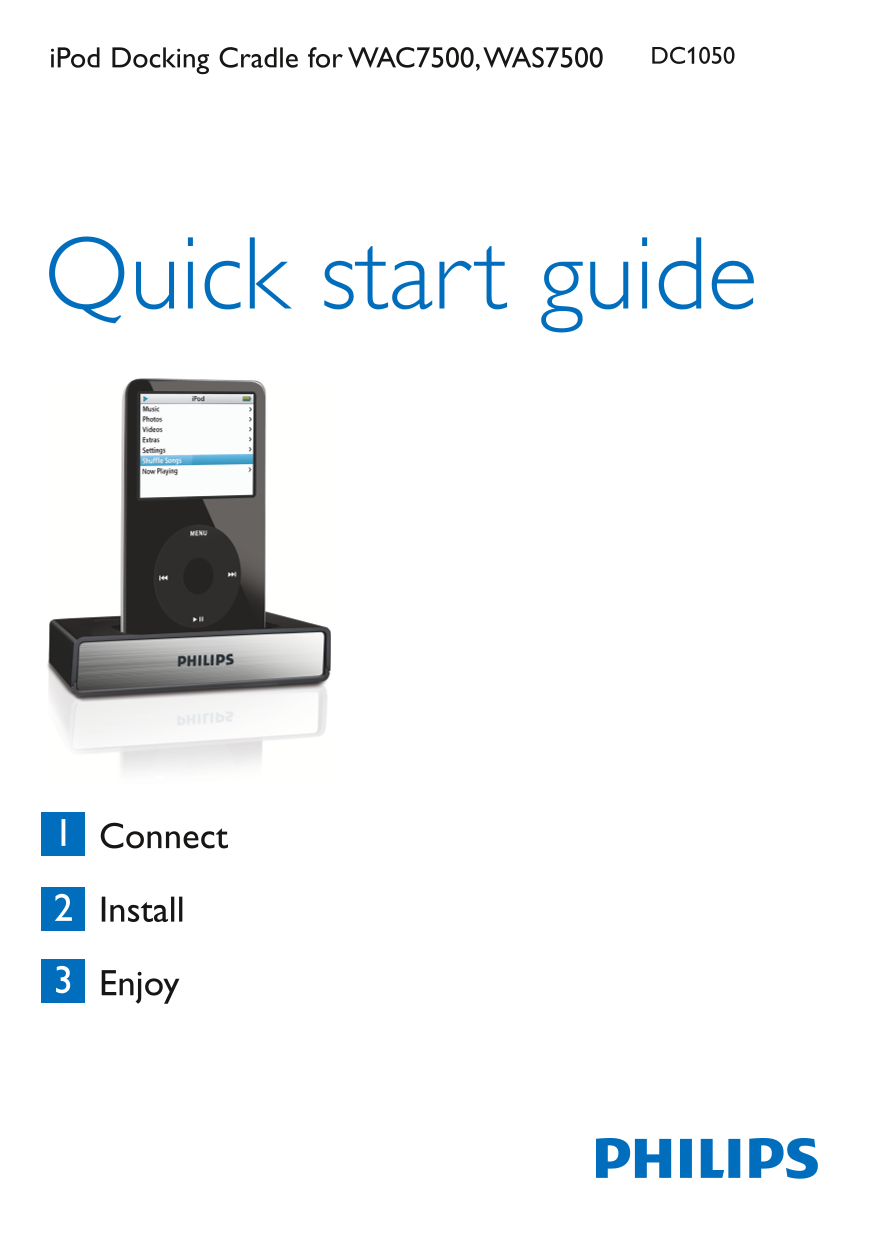
Page 1 Text Content
i Pod Docking Cradle for WAC7500, WAS7500 DC1050
Quick start guide
Connect
Install
Enjoy
Page Summary Contents For PHILIPS iPod Docking Cradle Quick Start Guide - WAC7500, WAS7500 DC1050 User Manual
Manual Details
| Brand | Philips |
|---|---|
| Pages | 4 |
| File Size | 778.24 KB |
| Published | July 07, 2026 |
Enter the captcha to get the download link:

Frequently Asked Questions
What types of iPods are compatible with this docking cradle?
Apple iPod video, iPod nano, iPod Photo, and iPod mini.
How do I connect the cradle to a Music Center or Station?
Use the RCA red & white plugs for Audio IN jacks, and the DC 9-pins DIN plug for the 9-pins DIN jack.
Can the iPod battery be charged while connected?
Yes, the battery charges automatically when the cradle is connected and the Music Center or Station is turned on.
What should I do if there is no sound from the system?
Check that the cable is well connected. Also check the audio IN jacks for proper connectivity.