PHILIPS MCD122 Quick User Guide
Summary
This comprehensive guide provides detailed setup instructions and technical specifications for your Philips consumer electronics product. The manual covers essential operational guidance, component connectivity (including video inputs), and full product support resources. It is designed for new users who need clear steps on initial setup, system operation, and troubleshooting to ensure maximum performance right out of the box.
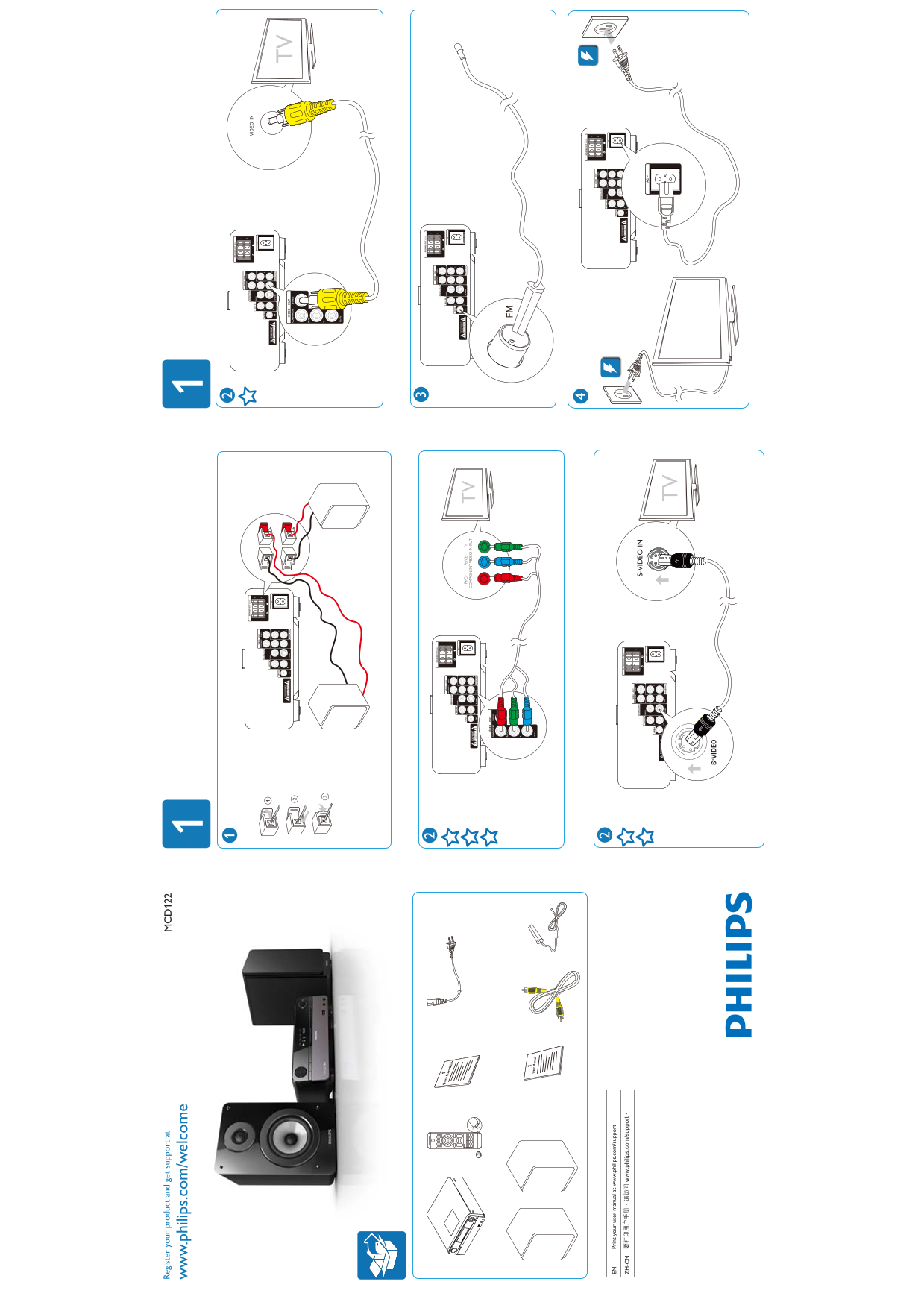
Page 1 Text Content
Re gis te ry ou r p ro du ct nd et su pp or t a
w. ph ilip s.c om /w el co
Pr /C b/ PO EN VI EO IN TV
EN Pr in t y ou r u se r m an ua l a t w .p hi lip s.c om /su pp or
ZH -C
S- VI EO IN
Page Summary Contents For PHILIPS MCD122 Quick User Guide
Manual Details
| Brand | Philips |
|---|---|
| Pages | 2 |
| File Size | 728.93 KB |
| Published | July 06, 2026 |
Enter the captcha to get the download link:

Frequently Asked Questions
How do I register my product for support?
Visit www.philips.com/welcome and use the MCD122 resources to register your product.
Where can I access printed copies of the user manual?
You can print your user manual by visiting www.philips.com/support.
What types of video inputs does the device support?
The device supports various connections, including Y COMPONENT VIDEO INPUT and S-VIDEO IN TViR inputs.