Philips HTS2201 Quick User Guide
Summary
Philips HTS2201 home theater system quick start guide and user manual provide setup instructions for this 5.1 surround sound system. Covers speaker placement and connection (front left/right, subwoofer), FM antenna setup, video cable connections to TV, and initial system configuration including OSD language selection, screen saver, auto standby, and DivX VOD registration. Includes remote control battery installation and basic operation guidance. A concise setup reference for Philips HTS2201 home cinema system users.
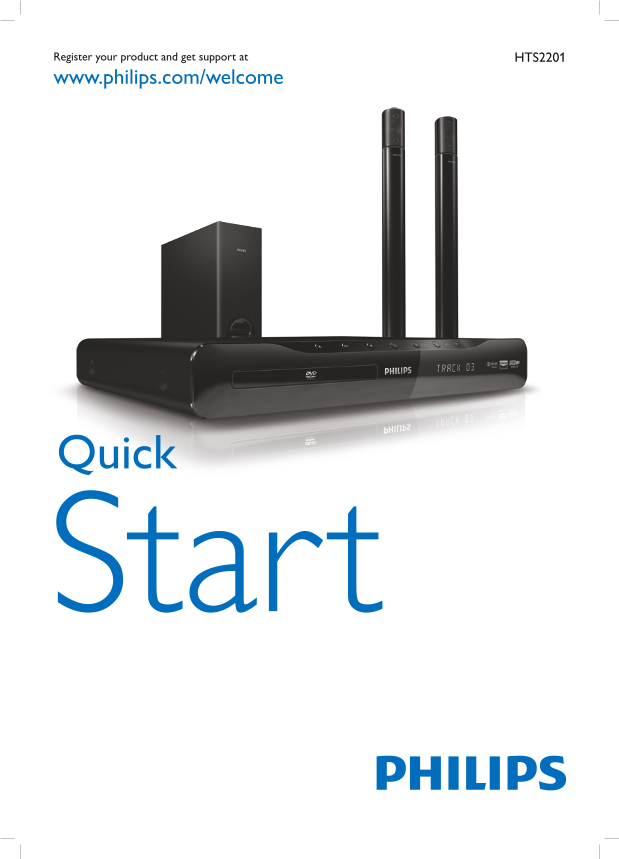
Page 1 Text Content
Register your product and get support at HTS2201 www.philips.com/welcome
Quick
Start
Page Summary Contents For Philips HTS2201 Quick User Guide
Page 1
Register your product and get support at HTS2201 www.philips.com/welcome Quick Start
Page 2
User Manual FM Antenna Video cable
Page 3
Stand Screw x 2 SPEAKER SPEAKER RIGHT2 SUBWOOFER
Page 4
SPEAKER SPEAKER SUBWOOFER FM Antenna
Page 5
Video Audio Cable Cable AAA x 2
Page 6
USB Settings General Setup OSD Language Screen Saver Auto Standby Div X(R) VOD Code Screen Saver Sleep Timer Div X(R) VOD Code HOME THEATER General Setup OSD Language English Screen Saver Auto Standby...
Page 8
User Manual www.philips.com/support Specifi cations are subject to change without notice Trademarks are the property of Koninklijke Philips Electronics N.V. or their respective owners 2010 © Koninklij...
Manual Details
| Brand | Philips |
|---|---|
| Pages | 8 |
| File Size | 1.68 MB |
| Published | June 18, 2026 |
2 views
Enter the captcha to get the download link:

Frequently Asked Questions
Where can I find support for this product model?
Visit hts2201 www.philips.com/welcome for support.
How do I configure basic unit settings?
Use the General Setup menu within the OSD controls.
What features manage power usage and sleep cycles?
The unit has Auto Standby and a Sleep Timer function available in the settings.