Philips EasyScene Quick User Guide
Summary
Achieve energy-efficient, comprehensive control over your home's lighting with the Philips EasyScene intelligent system. This device uses a convenient remote to allow instant on/off switching, precise dimming, and assignment of multiple light sources. The manual serves as your complete guide, covering simple setup and pairing instructions for the bulbs and remote, detailed usage guides, and comprehensive FAQs for troubleshooting any issues you might encounter. Perfect for homeowners who desire effortless, smart automation and maximized lighting control throughout their modern space.
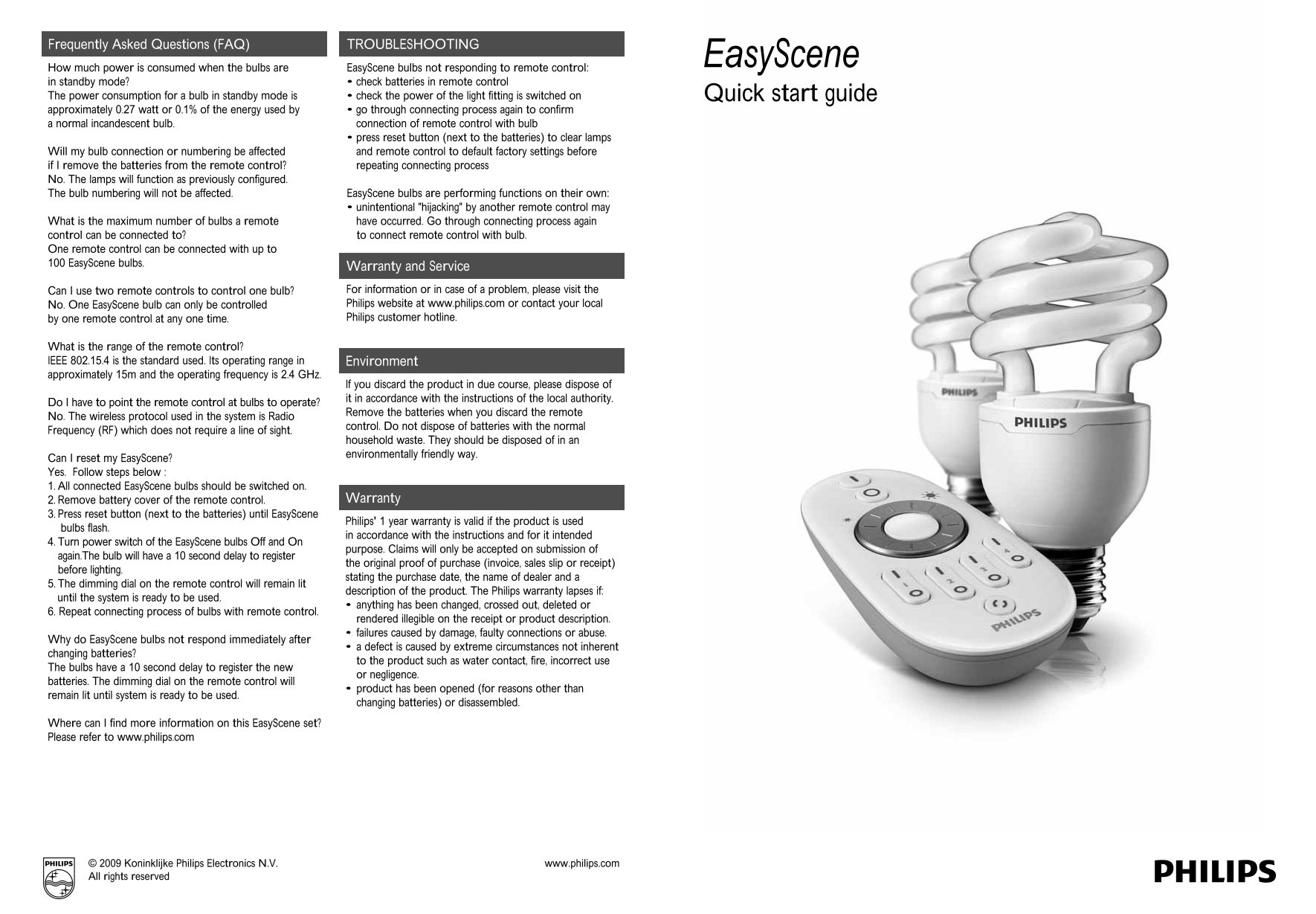
Page 1 Text Content
QSG.ai 1 70.71 lpi 45.00° 15/05/2009 2:01 PM
Process Black
Frequently Asked Questions (FAQ) TROUBLESHOOTING
Easy Scene
How much power is consumed when the bulbs are Easy Scene bulbs not responding to remote control: in standby mode? • check batteries in remote control The power consumption for a bulb in standby mode is • check the power of the light fitting is switched on Quick start guide approximately 0.27 watt or 0.1% of the energy used by • go through connecting process again to confirm a normal incandescent bulb. connection of remote control with bulb
• press reset button (next to the batteries) to clear lamps
Will my bulb connection or numbering be affected and remote control to default factory settings before if I remove the batteries from the remote control? repeating connecting process No. The lamps will function as previously configured. The bulb numbering will not be affected. Easy Scene bulbs are performing functions on their own:
• unintentional "hijacking" by another remote control may
What is the maximum number of bulbs a remote have occurred. Go through connecting process again control can be connected to? to connect remote control with bulb. One remote control can be connected with up to 100 Easy Scene bulbs.
Warranty and Service Can I use two remote controls to control one bulb? For information or in case of a problem, please visit the No. One Easy Scene bulb can only be controlled Philips website at www.philips.com or contact your local by one remote control at any one time. Philips customer hotline.
What is the range of the remote control? IEEE 802.15.4 is the standard used. Its operating range in Environment approximately 15m and the operating frequency is 2.4 GHz.
lf you discard the product in due course, please dispose of it in accordance with the instructions of the local authority.
Do I have to point the remote control at bulbs to operate?
Remove the batteries when you discard the remote
No. The wireless protocol used in the system is Radio
control. Do not dispose of batteries with the normal
Frequency (RF) which does not require a line of sight.
household waste. They should be disposed of in an
environmentally friendly way.
Can I reset my Easy Scene?
Yes. Follow steps below : 1. All connected Easy Scene bulbs should be switched on.
2. Remove battery cover of the remote control. Warranty
CMY 3. Press reset button (next to the batteries) until Easy Scene
Philips' 1 year warranty is valid if the product is used
bulbs flash.
in accordance with the instructions and for it intended
4. Turn power switch of the Easy Scene bulbs Off and On
purpose. Claims will only be accepted on submission of
again.The bulb will have a 10 second delay to register
the original proof of purchase (invoice, sales slip or receipt)
before lighting.
stating the purchase date, the name of dealer and a
5. The dimming dial on the remote control will remain lit
description of the product. The Philips warranty lapses if:
until the system is ready to be used.
• anything has been changed, crossed out, deleted or
6. Repeat connecting process of bulbs with remote control.
rendered illegible on the receipt or product description. • failures caused by damage, faulty connections or abuse.
Why do Easy Scene bulbs not respond immediately after
• a defect is caused by extreme circumstances not inherent
changing batteries?
to the product such as water contact, fire, incorrect use
The bulbs have a 10 second delay to register the new
or negligence.
batteries. The dimming dial on the remote control will
• product has been opened (for reasons other than
remain lit until system is ready to be used.
changing batteries) or disassembled.
Where can I find more information on this Easy Scene set? Please refer to www.philips.com
www.philips.com© 2009 Koninklijke Philips Electronics N.V.
All rights reserved
Page Summary Contents For Philips EasyScene Quick User Guide
Manual Details
| Brand | Philips |
|---|---|
| Pages | 2 |
| File Size | 229.99 KB |
| Published | July 06, 2026 |
Enter the captcha to get the download link:
