Philips CID3688 Quick User Guide
Summary
Comprehensive user manual for e d i s l e Register yRegister your prour product and get supporoduct and get support att at CID3688 1 2 wwwwww.philips.com/w.philips.com/welcomeelcome c a k a b j c d e i f g h b 3 ࣇບሱ༵ ॽිൔႬᆻଶ ഥᇆ ࡩ. This guide provides detailed instructions for product setup, operation, and maintenance. Includes safety precautions, troubleshooting tips, and technical specifications. Learn how to maximize product functionality and ensure safe operation. Features step-by-step gu...
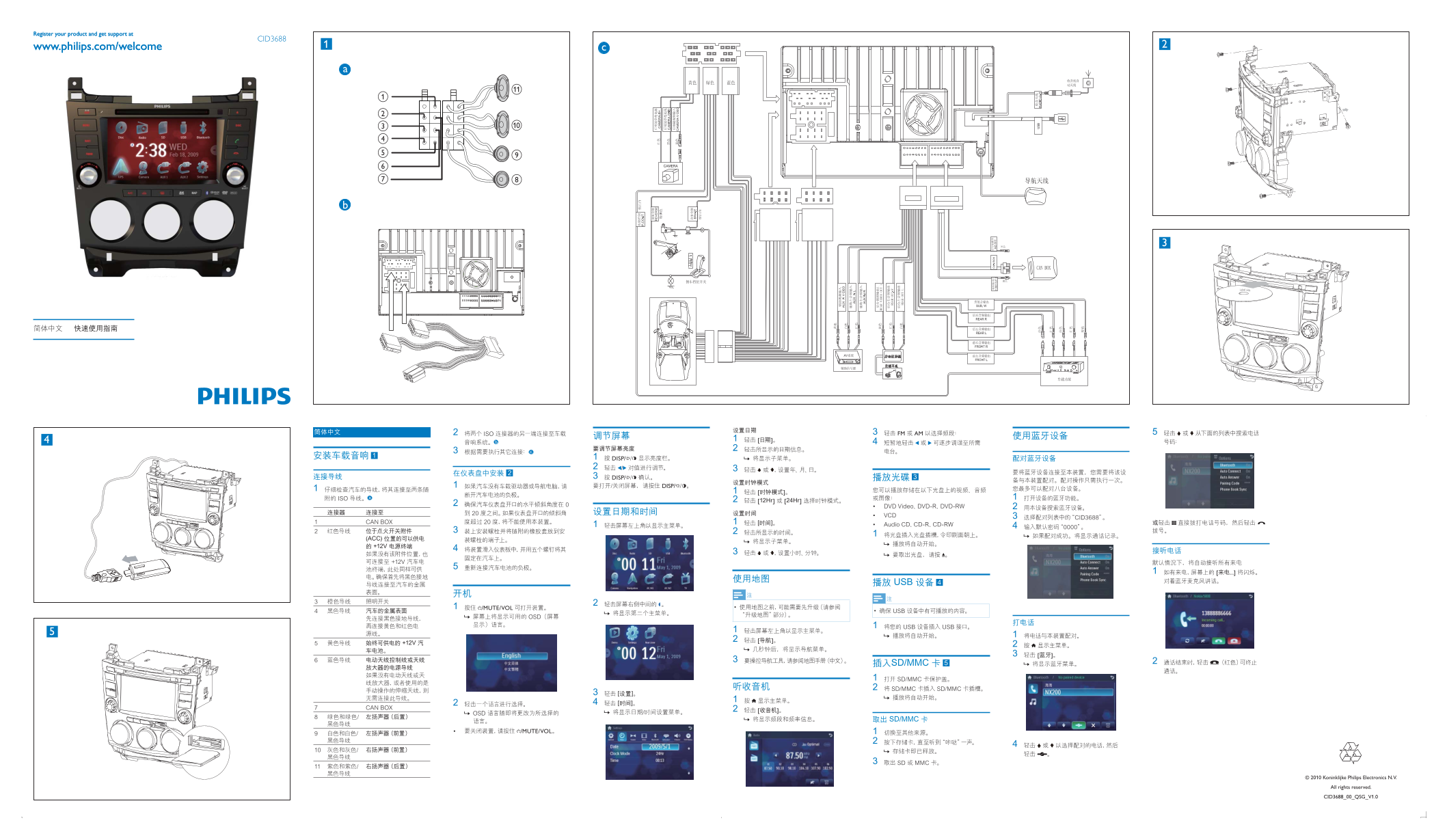
Page 1 Text Content
Register your product and get support at
CID3688
www.philips.com/welcome
Label side
FM AM
DISP/
DISP/
DISP/
/MUTE/VOL
/MUTE/VOL
Koninklijke Philips Electronics N.V. All rights reserved. CID3688_00_QSG_V1.0
Page Summary Contents For Philips CID3688 Quick User Guide
Manual Details
| Brand | Philips |
|---|---|
| Pages | 1 |
| File Size | 1.63 MB |
| Published | June 18, 2026 |
Enter the captcha to get the download link:

Frequently Asked Questions
Where can I get support or register the product?
Register your product and get support at CID3688 1 2 wwwwww.philips.com/w.
How is the device controlled and maintained?
It features a central control unit with display feedback, allowing for easy monitoring and maintenance.
What types of audio connections are available on the main unit?
The manual mentions options like FM/AM radio and multiple speaker/input ports, indicated by specific connector details (though textual representation is garbled).
Does the device support modern streaming or connectivity solutions?
It incorporates features to monitor local networks and appears capable of integration with digital displays and control systems.