PHILIPS CID3286 Quick User Guide
Summary
This comprehensive user guide provides everything you need to set up and operate your Philips electronic device effectively. Within these pages, you will find detailed instructions covering initial setup, advanced connectivity features, routine maintenance, and troubleshooting tips. Designed for new owners of this appliance, the manual ensures even first-time users can confidently master all functions and integrate the product into their daily life.
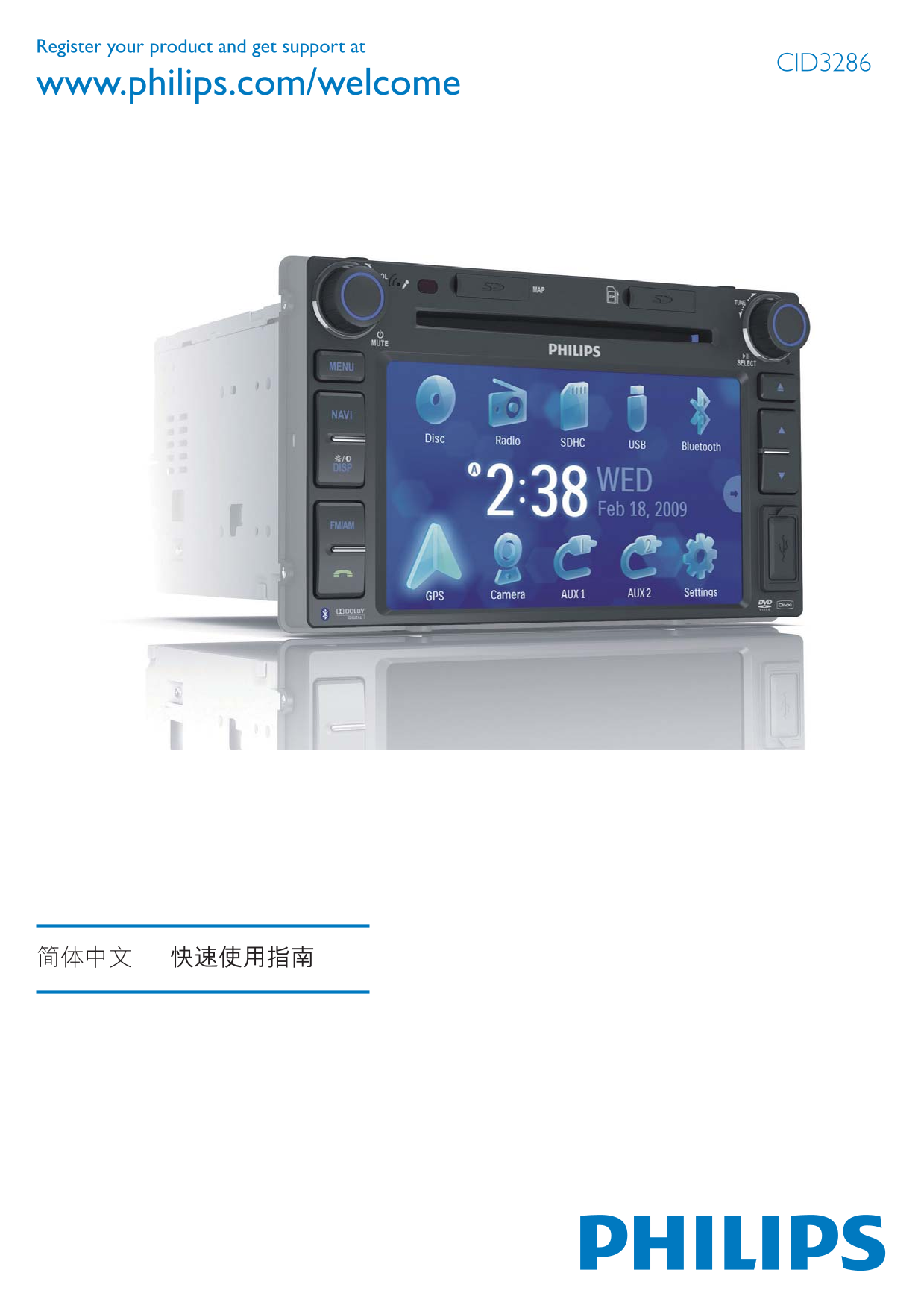
Page 1 Text Content
Register your product and get support at
CID3286
www.philips.com/welcome
Page Summary Contents For PHILIPS CID3286 Quick User Guide
Manual Details
| Brand | Philips |
|---|---|
| Pages | 9 |
| File Size | 1.23 MB |
| Published | July 07, 2026 |
Enter the captcha to get the download link:

Frequently Asked Questions
Where can I find more information or get support for this product?
Register your product and visit www.philips.com/welcome, using the code CID3286.
What is required to set up the system according to the manual?
The process involves connecting cables (like Ethernet) and powering on based on the displayed steps in the Quick Start Guide (QSG).
How can I reset the device if it malfunctions?
You can access the settings menu via a physical button sequence, often involving multiple key presses to reach the main menu where 'Reset' options are available.