Philips CEM5000 Quick User Guide
Summary
Upgrade your car's audio experience with this comprehensive receiver unit. This manual is designed for vehicle owners and installers, providing detailed instructions on proper installation, wiring connections, and component mounting. Learn how to seamlessly integrate speakers, power leads, and advanced features like Bluetooth pairing for hands-free calling and RDS activation for enhanced radio reception. Get started with professional setup guidance and full operational use of your new stereo system.
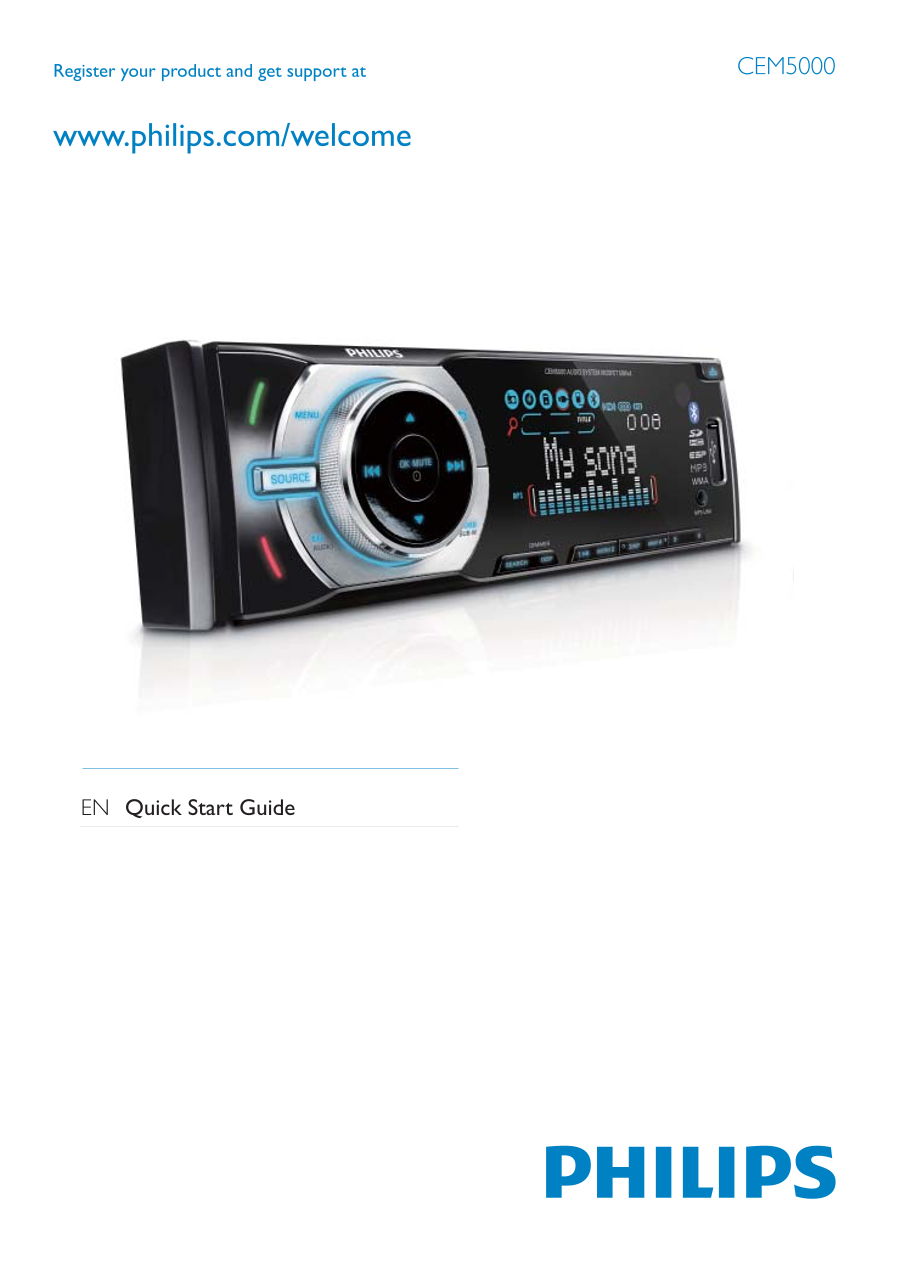
Page 1 Text Content
Register your product and get support at CEM5000
EN Quick Start Guide
Page Summary Contents For Philips CEM5000 Quick User Guide
Manual Details
| Brand | Philips |
|---|---|
| Pages | 7 |
| File Size | 1.99 MB |
| Published | July 04, 2026 |
Enter the captcha to get the download link:

Frequently Asked Questions
Which wire is the ground lead?
The black wire is the ground (earth) lead and must be connected to a metal surface of the car first.
What is the default Bluetooth pairing password?
The default Bluetooth pairing password is 0000.
How do I set the clock?
Press MENU for 3 seconds, select CLOCK SET, set hour and minute with the rotary encoder, and confirm with OK/MUTE.
Does RDS work on AM stations?
No, the RDS function only operates on FM stations that broadcast RDS signals.