Panasonic WV-CW474AF, WV-CW474AS CCTV Camera User's Manual
Summary
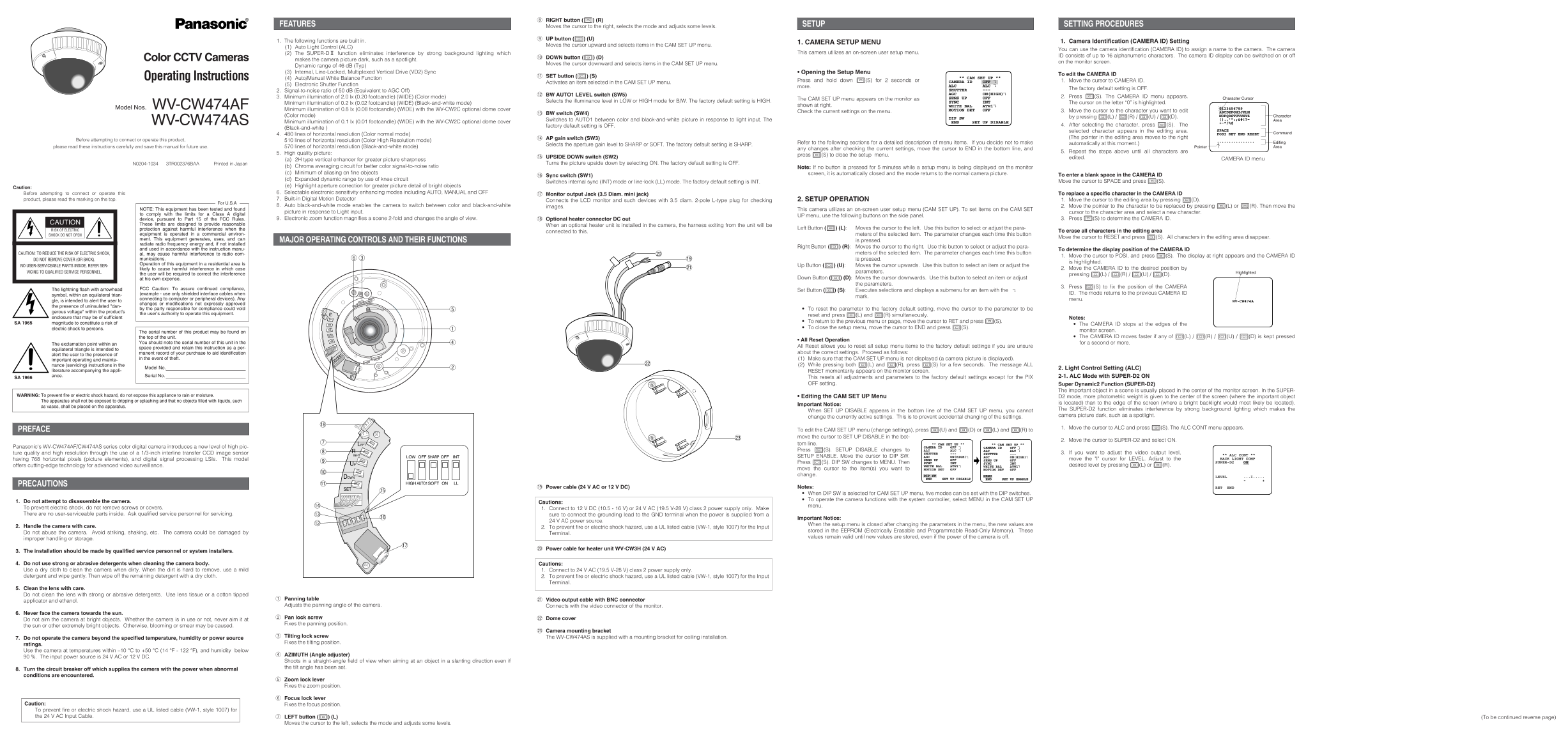
This manual provides comprehensive setup and operating instructions for the WV-CW474 series of high-resolution Color CCTV Cameras. It covers essential technical configurations, including camera identification (CAMERA ID), auto light control, white balance adjustment, and motion detection settings. Designed for security system installers and technicians, the guide details how to navigate the on-screen setup menu and adjust signal-to-noise ratios and electronic shutter functions for optimal image quality.
Manual Details
| Brand | Panasonic |
|---|---|
| Pages | 2 |
| File Size | 601.68 KB |
| Published | June 17, 2026 |
5 views
Enter the captcha to get the download link:

Frequently Asked Questions
How do I start or finish editing a CAMERA ID?
To begin, move to the character; to save all changes, press I(S) and move to END in the bottom line.
How do I adjust sensitivity enhancement modes?
Move the cursor to SENS UP and select a parameter like AUTO or MANUAL, or leave it at OFF.