Panasonic WV-CP460, WV-CP464 CCTV Camera User's Manual
Summary
This comprehensive guide details the operation and installation of the Panasonic WV-CP460/WV-CP464 color digital camera system. Designed for professional video surveillance, this high-resolution camera utilizes a 1/3-inch CCD sensor and advanced features like SUPER-D2 technology for superior image clarity in varied lighting conditions. The manual provides essential operating instructions, safety warnings regarding electrical hazards, mounting precautions, and optimal usage guidelines to ensure reliable performance for commercial monitoring applications.
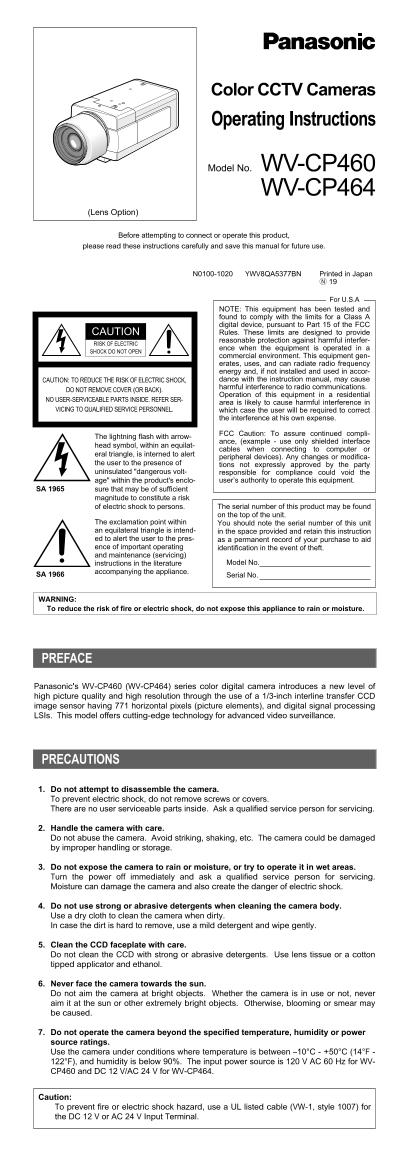
Page 1 Text Content
CP460
Color CCTV Cameras Operating Instructions
Model No. WV-CP460 WV-CP464
(Lens Option)
Before attempting to connect or operate this product,
please read these instructions carefully and save this manual for future use.
N0100-1020 YWV8QA5377BN Printed in Japan
For U.S.A
NOTE: This equipment has been tested and found to comply with the limits for a Class A digital device, pursuant to Part 15 of the FCC CAUTION Rules. These limits are designed to provide reasonable protection against harmful interfer-
RISK OF ELECTRIC
ence when the equipment is operated in a
SHOCK DO NOT OPEN
commercial environment. This equipment gen- erates, uses, and can radiate radio frequency energy and, if not installed and used in accor- CAUTION: TO REDUCE THE RISK OF ELECTRIC SHOCK, dance with the instruction manual, may cause harmful interference to radio communications.
DO NOT REMOVE COVER (OR BACK).
Operation of this equipment in a residential
NO USER-SERVICEABLE PARTS INSIDE. REFER SER-
area is likely to cause harmful interference in
VICING TO QUALIFIED SERVICE PERSONNEL. which case the user will be required to correct
the interference at his own expense.
FCC Caution: To assure continued compli-
The lightning flash with arrow-
ance, (example - use only shielded interface
head symbol, within an equilat-
cables when connecting to computer or
eral triangle, is interned to alert
peripheral devices). Any changes or modifica-
the user to the presence of tions not expressly approved by the party uninsulated "dangerous volt- responsible for compliance could void the
age" within the product's enclo- user’s authority to operate this equipment.
SA 1965 sure that may be of sufficient
magnitude to constitute a risk
of electric shock to persons. The serial number of this product may be found on the top of the unit.
The exclamation point within You should note the serial number of this unit an equilateral triangle is intend- in the space provided and retain this instruction ed to alert the user to the pres- as a permanent record of your purchase to aid ence of important operating identification in the event of theft. and maintenance (servicing)
instructions in the literature Model No.
accompanying the appliance.
Serial No. SA 1966
WARNING: To reduce the risk of fire or electric shock, do not expose this appliance to rain or moisture.
PREFACE
Panasonic's WV-CP460 (WV-CP464) series color digital camera introduces a new level of high picture quality and high resolution through the use of a 1/3-inch interline transfer CCD image sensor having 771 horizontal pixels (picture elements), and digital signal processing LSIs. This model offers cutting-edge technology for advanced video surveillance.
PRECAUTIONS
1. Do not attempt to disassemble the camera. To prevent electric shock, do not remove screws or covers. There are no user serviceable parts inside. Ask a qualified service person for servicing.
2. Handle the camera with care. Do not abuse the camera. Avoid striking, shaking, etc. The camera could be damaged by improper handling or storage.
3. Do not expose the camera to rain or moisture, or try to operate it in wet areas. Turn the power off immediately and ask a qualified service person for servicing. Moisture can damage the camera and also create the danger of electric shock.
4. Do not use strong or abrasive detergents when cleaning the camera body. Use a dry cloth to clean the camera when dirty. In case the dirt is hard to remove, use a mild detergent and wipe gently.
5. Clean the CCD faceplate with care. Do not clean the CCD with strong or abrasive detergents. Use lens tissue or a cotton tipped applicator and ethanol.
6. Never face the camera towards the sun. Do not aim the camera at bright objects. Whether the camera is in use or not, never aim it at the sun or other extremely bright objects. Otherwise, blooming or smear may be caused.
7. Do not operate the camera beyond the specified temperature, humidity or power source ratings. Use the camera under conditions where temperature is between –10°C - +50°C (14°F - 122°F), and humidity is below 90%. The input power source is 120 V AC 60 Hz for WV- CP460 and DC 12 V/AC 24 V for WV-CP464.
Caution: To prevent fire or electric shock hazard, use a UL listed cable (VW-1, style 1007) for the DC 12 V or AC 24 V Input Terminal.
Page Summary Contents For Panasonic WV-CP460, WV-CP464 CCTV Camera User's Manual
Manual Details
| Brand | Panasonic |
|---|---|
| Pages | 11 |
| File Size | 226.86 KB |
| Published | June 04, 2026 |
Enter the captcha to get the download link:

Frequently Asked Questions
How do I safely clean the camera lenses and body?
Use a dry cloth for general cleaning. For hard dirt, use mild detergent and wipe gently. Always use lens tissue or an ethanol-tipped applicator for the CCD faceplate.
What should I do if the camera is exposed to moisture or rain?
Immediately turn off the power and contact a qualified service person. Moisture can damage the camera and create the danger of electric shock.
What function helps counteract poor picture quality due to strong background lighting?
The SUPER-D2 function eliminates interference from strong background lighting, providing a dynamic range of 46 dB.