OMRON PLC Mechanical Controller IPC Multi-Axis Controller Touch Screen Digital I O Terminal 2-Tier Terminal Block Type GX-□D16□1 OC1601 EtherCAT Remote I O Slave User Manual (Safety Precautions)
Summary
Essential technical guide for integrating OMRON EtherCAT Remote I/O Slave Units into your industrial automation system. This comprehensive manual covers critical safe installation practices, detailed wiring guidelines, and necessary electrical precautions, including power supply checks and cable segregation. Designed for automation engineers and technicians, it ensures reliable setup and malfunction prevention for high-performance control environments.
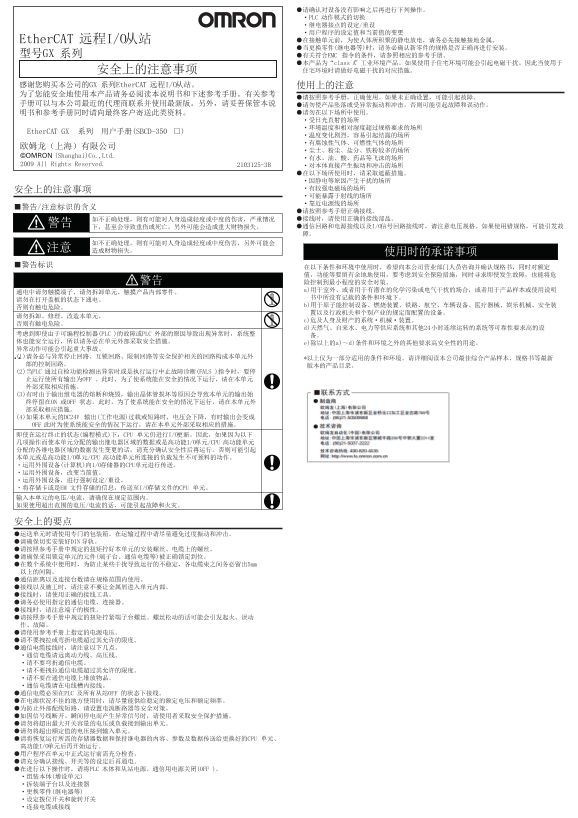
Page 1 Text Content
©OMRON
Page Summary Contents For OMRON PLC Mechanical Controller IPC Multi-Axis Controller Touch Screen Digital I O Terminal 2-Tier Terminal Block Type GX-□D16□1 OC1601 EtherCAT Remote I O Slave User Manual (Safety Precautions)
Manual Details
| Brand | Omron |
|---|---|
| Pages | 2 |
| File Size | 210.76 KB |
| Published | June 04, 2026 |
Enter the captcha to get the download link:

Frequently Asked Questions
What should I do before connecting communication cables?
Turn off the power of the PLC and all slaves before wiring.
Are there special safety measures required for installation?
Install external breakers and take other safety measures against short-circuiting in the external wiring.
What voltages are restricted for operation?
Do not apply voltages to Output Units or Input Units in excess of their maximum switching capacity or rated input voltage.
How must I handle communication cables according to best practices?
Separate them from power lines, do not bend them past their natural radius, and always lay them inside ducts.