Netgear GSM7312 - 12 Port, Layer 3 Managed Gigabit Switch Product Data Sheet
Summary
Upgrade your network infrastructure with this robust 12-port Layer 3 Managed Gigabit Switch. Designed to power demanding modern networks, it delivers advanced routing (e.g., OSPF, RIP), extensive VLAN support, and QoS capabilities essential for VoIP and video conferencing. The manual details setting up L2/L3 features, managing traffic flow, and provides both intuitive web-based and CLI configuration options, making it ideal for businesses needing a cost-effective, future-proof network backbone or reliable network segmentation solution.
Page 1 Text Content
GSM7312 12-por Layer Managed Gigabi Swi tch
Help is here when you need it! Now you can enjoy full Layer 3, Gigabit functionality at an affordable price. The NETGEAR NETGEAR provides 24x7 technical
Managed Gigabit Switch provides maximum throughput and flexibility for demanding
support* in English, with selected local
networks, with all the Layer 3 features you expect. This 10/100/1000 Mbps switch addresses
language support during office hours.
today’s high-performance requirements, while providing the control you need — and the future proofing you want. The GSM7312 is ideal as a backbone for 10/100 Mbps switches, Gigabit servers, or as the robust core of a demanding, all-Gigabit network.
The GSM7312 can be used to inexpensively off-load routers that are segmenting your network and lay the groundwork for new IP-based services. Layer 3 routing combined with L2/L3/L4 Quality of Service, bandwidth provisioning and access control features enable Voice over IP (Vo IP) telephony, video conferencing, and other cost-saving applications.
The GSM7312 Layer 3 Managed Gigabit Switch provides both Layer 2 and Layer 3 managed switching functionality. Its high-performance design offers a comprehensive set of features:
• Routing: IPv4 routing at wire speed, with up to 512 routes per unit; VRRP (IP redundancy), ICMP, RIP I and RIP II, OSPF, and DHCP/BOOTP relay • Switching: Port trunking, broadcast storm protection, extensive VLAN support, IGMP snooping, Rapid Spanning Tree, and link aggregation • Quality of Service: Diff Serv, access control lists, and bandwidth provisioning using L2, L3, and L4 information.
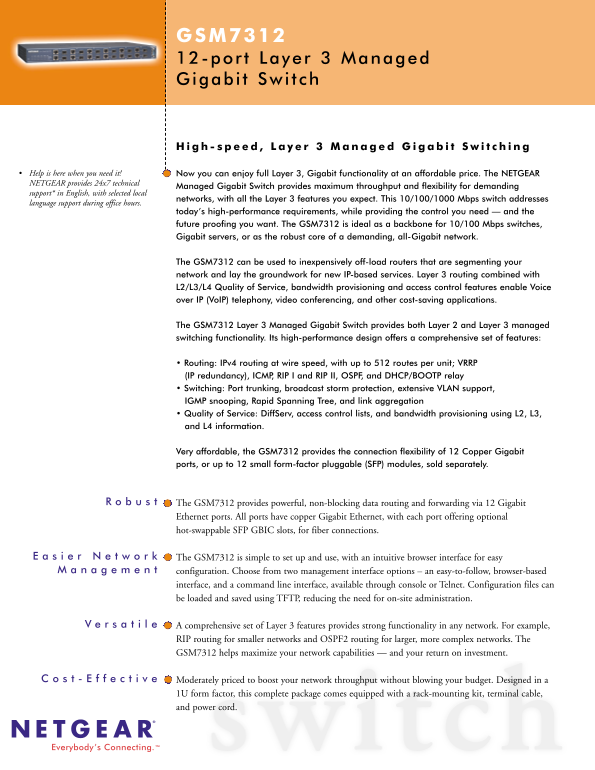
Very affordable, the GSM7312 provides the connection flexibility of 12 Copper Gigabit ports, or up to 12 small form-factor pluggable (SFP) modules, sold separately.
The GSM7312 provides powerful, non-blocking data routing and forwarding via 12 Gigabit Ethernet ports. All ports have copper Gigabit Ethernet, with each port offering optional hot-swappable SFP GBIC slots, for fiber connections.
The GSM7312 is simple to set up and use, with an intuitive browser interface for easy configuration. Choose from two management interface options – an easy-to-follow, browser-based interface, and a command line interface, available through console or Telnet. Configuration files can be loaded and saved using TFTP, reducing the need for on-site administration.
A comprehensive set of Layer 3 features provides strong functionality in any network. For example, RIP routing for smaller networks and OSPF2 routing for larger, more complex networks. The GSM7312 helps maximize your network capabilities — and your return on investment.
Moderately priced to boost your network throughput without blowing your budget. Designed in a 1U form factor, this complete package comes equipped with a rack-mounting kit, terminal cable, and power cord.
Everybody’s Connecting.™
Page Summary Contents For Netgear GSM7312 - 12 Port, Layer 3 Managed Gigabit Switch Product Data Sheet
Manual Details
| Brand | NETGEAR |
|---|---|
| Pages | 2 |
| File Size | 508.88 KB |
| Published | June 05, 2026 |
Enter the captcha to get the download link:

Frequently Asked Questions
What network services does the GSM7312 support?
It supports VoIP telephony and video conferencing by enabling Layer 3 routing, which includes QoS, bandwidth provisioning, and access control features.
How can I configure or manage the switch?
You have two options: an intuitive browser-based interface or a command line interface (via console port/Telnet). Configuration files can also be loaded using TFTP.
Do I need cables for fiber connections?
Yes, you can connect up to 12 SFP modules for fiber links. The manuals does not specify whether the cable is included but lists the SFP GBIC SX module separately.
What protocols are available for advanced routing and redundancy?
It supports IPv4 routing (with up to 512 routes), VRRP (for IP redundancy), RIP I, RIP II, OSPF, ICMP, and DHCP/BOOTP relay.