NETGEAR FSM726 User Guide and Manual
Summary
Designed for growing businesses, this non-blocking Layer 2 managed switch provides superior network performance with 24 auto-negotiating ports and flexible Gigabit expansion using copper or fiber slots. Suitable for both novice users needing simple setup and experienced IT professionals requiring advanced features like VLANs, QoS, and RADIUS. This guide details the switch's full capabilities, covering technical specifications, configuration via web interface or CLI, and best practices for scaling your demanding office network infrastructure.
Page 1 Text Content
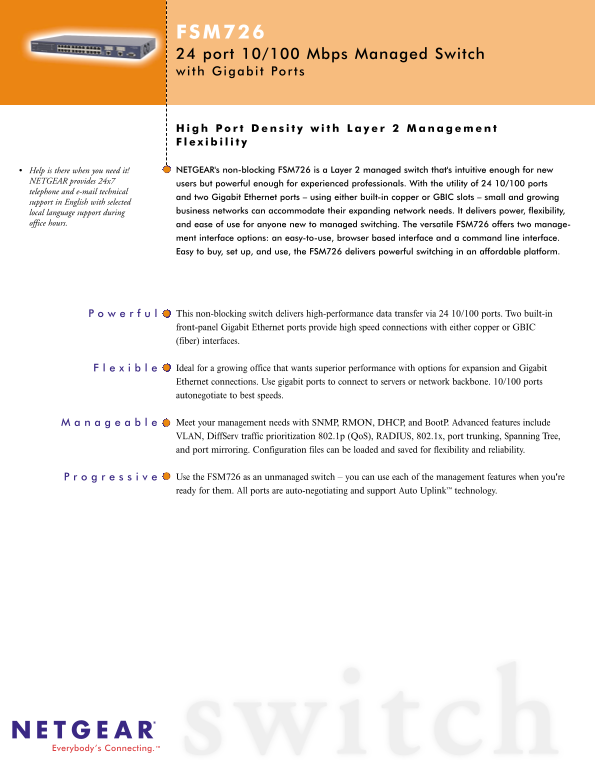
FSM726 24 port 10/100 Mbps Managed Switch wi th Gigabi Por
Help is there when you need it! NETGEAR's non-blocking FSM726 is a Layer 2 managed switch that's intuitive enough for new
NETGEAR provides 24x7
users but powerful enough for experienced professionals. With the utility of 24 10/100 ports
telephone and e-mail technical
and two Gigabit Ethernet ports – using either built-in copper or GBIC slots – small and growing
support in English with selected
local language support during business networks can accommodate their expanding network needs. It delivers power, flexibility,
office hours. and ease of use for anyone new to managed switching. The versatile FSM726 offers two manage-
ment interface options: an easy-to-use, browser based interface and a command line interface. Easy to buy, set up, and use, the FSM726 delivers powerful switching in an affordable platform.
This non-blocking switch delivers high-performance data transfer via 24 10/100 ports. Two built-in front-panel Gigabit Ethernet ports provide high speed connections with either copper or GBIC (fiber) interfaces.
Ideal for a growing office that wants superior performance with options for expansion and Gigabit Ethernet connections. Use gigabit ports to connect to servers or network backbone. 10/100 ports autonegotiate to best speeds.
Meet your management needs with SNMP, RMON, DHCP, and Boot P. Advanced features include VLAN, Diff Serv traffic prioritization 802.1p (Qo S), RADIUS, 802.1x, port trunking, Spanning Tree, and port mirroring. Configuration files can be loaded and saved for flexibility and reliability.
Use the FSM726 as an unmanaged switch – you can use each of the management features when you're ready for them. All ports are auto-negotiating and support Auto Uplink™ technology.
Everybody’s Connecting.™
Page Summary Contents For NETGEAR FSM726 User Guide and Manual
Manual Details
| Brand | NETGEAR |
|---|---|
| Pages | 2 |
| File Size | 491.00 KB |
| Published | June 04, 2026 |
Enter the captcha to get the download link:

Frequently Asked Questions
What are the management options available for the FSM726?
You can manage it using an easy-to-use browser based web interface or a Command Line Interface (CLI) via the console port.
How many VLANs and what protocols does it support?
It supports up to 64 Static VLANs (IEEE 802.1Q) and advanced features like Spanning Tree and Port Mirroring.
Does the switch support fiber connections or expansion?
Yes, there are two GBIC slots supporting both copper and Gigabit fiber interfaces, which is ideal for connecting to servers or a network backbone.
What standard protocols can I use for authentication and monitoring?
It meets management requirements with SNMP, RADIUS, DHCP, BootP (IEEE 802.15), and IEEE 802.1x standards.