HP Scitex FB10000 Industrial Printing Machine Geffen TS Error 66033
Summary
Comprehensive troubleshooting manual for pneumatic and fluidic systems experiencing critical "Overflow" errors in the light cyan main ink tank (Error ID: 66033). This guide is essential for industrial service technicians, detailing potential causes—including physical leaks, sensor faults, or failed pump components. It provides step-by-step procedures to diagnose required actions, verify component status using control tools, and execute precise replacement of various B&R control modules (MM4331/DI9371).
Page 1 Text Content
Error ID: 66033: IDS - Overflow in light cyan main tank. FB10000 Error Messages Troubleshooting
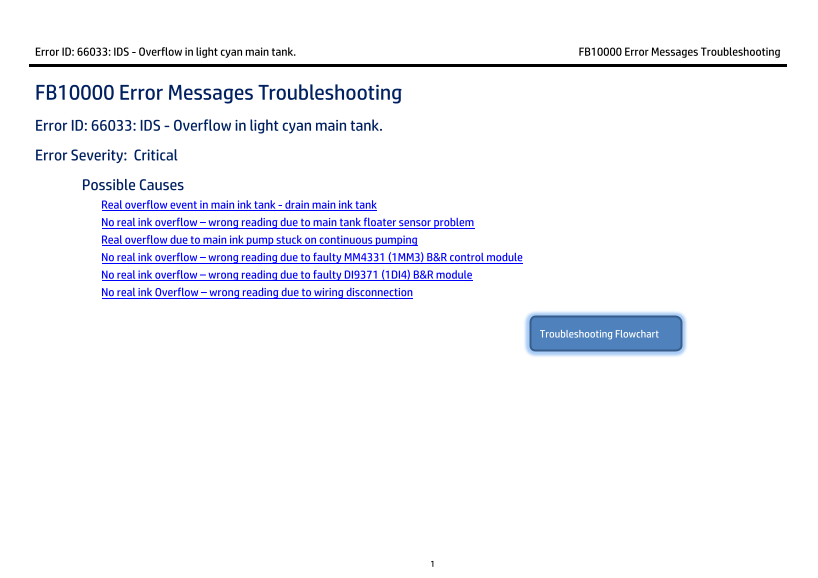
FB10000 Error Messages Troubleshooting Error ID: 66033: IDS - Overflow in light cyan main tank. Error Severity: Critical Possible Causes Real overflow event in main ink tank - drain main ink tank
No real ink overflow – wrong reading due to main tank floater sensor problem Real overflow due to main ink pump stuck on continuous pumping No real ink overflow – wrong reading due to faulty MM4331 (1MM3) B&R control module No real ink overflow – wrong reading due to faulty DI9371 (1DI4) B&R module No real ink Overflow – wrong reading due to wiring disconnection
Troubleshooting Flowchart
Page Summary Contents For HP Scitex FB10000 Industrial Printing Machine Geffen TS Error 66033
Manual Details
| Brand | HP |
|---|---|
| Pages | 9 |
| File Size | 690.31 KB |
| Published | June 17, 2026 |
Enter the captcha to get the download link:

Frequently Asked Questions
What should I do first when I encounter Error ID 66033?
First, check if there is a real overflow and drain the light cyan main ink tank by connecting a suitable CPC quick connector to an appropriate collecting container.
How can I test if the main ink pump or its associated wiring path are faulty?
In Control Tools, activate and deactivate the LC main tank pump. If it doesn't react to your command, check the pump and its entire wiring path for connectivity issues.
What is the procedure for replacing a B&R control module like MM4331?
Turn the machine power OFF. Release the terminal block with its wires, pull the old Bus Unit (BU), plug in a new BU, and re-plug the terminal block until you hear a click.
If I replace the B&R Module, how long should I expect the system to take?
Configuration generally takes up to two minutes. However, if the PLC runs a full system scan due to internal errors, the process can require between 40 to 60 minutes.