HP ScanJet Enterprise Flow N9120 fn2 Document Scanner - Installation Guide
Summary
This comprehensive guide is designed for users setting up high-volume professional document capture workstations. It provides step-by-step, multi-lingual instructions for installing and configuring the scanner, covering everything from initial power connection and language setup to advanced network integration. Learn how to connect via wired or wireless networks and download necessary TWAIN drivers to seamlessly integrate your powerful scanning solution into any demanding office or business workflow.
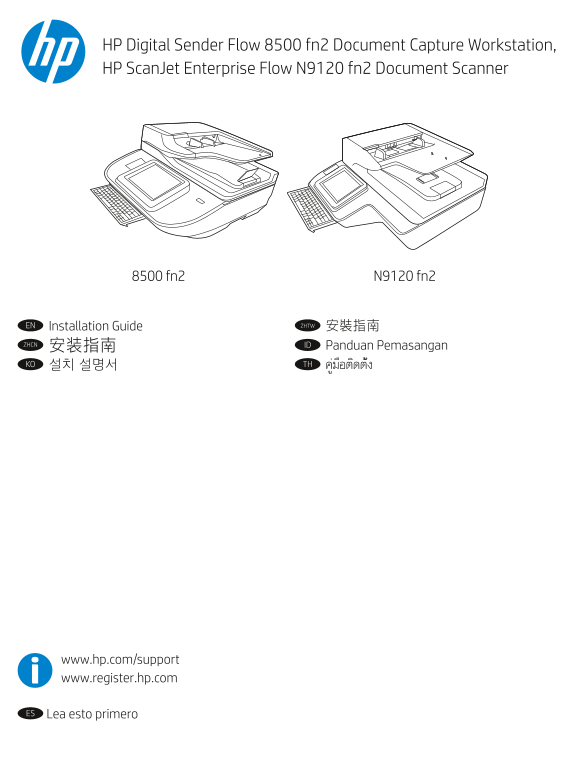
Page 1 Text Content
HP Digital Sender Flow 8500 fn2 Document Capture Workstation, HP Scan Jet Enterprise Flow N9120 fn2 Document Scanner
N9120 fn28500 fn2
EN Installation Guide ZHTW 安裝指南
ZHCN ID Panduan Pemasangan 安装指南 KO 설치 설명서 TH คู่มือติดตั้ง
www.hp.com/support www.register.hp.com
ES Lea esto primero
Page Summary Contents For HP ScanJet Enterprise Flow N9120 fn2 Document Scanner - Installation Guide
Manual Details
| Brand | HP |
|---|---|
| Pages | 8 |
| File Size | 1.84 MB |
| Published | May 30, 2026 |
Enter the captcha to get the download link:

Frequently Asked Questions
What environmental conditions should I choose for placing the scanner?
Select a sturdy, well-ventilated, dust-free area, and ensure it is away from direct sunlight.
What are the safety precautions when powering on the unit?
Connect the power cable only to a grounded AC outlet, and use exclusively the power cable provided with the scanner.
How do I set up or find the IP address for network connection?
First, connect the network cable. On the control panel, select 'Information' > 'Network' to display the IP address, which can then be entered into a web browser (EWS).
What drivers do I need if I want to scan documents from my computer?
You must download either the Network TWAIN Driver or the USB TWAIN driver from the specified HP support websites.