HP Scanjet Enterprise Flow 5000 s3 Single Page Feed Scanner - Installation Guide
Summary
This comprehensive installation guide empowers users to set up the HP Scanjet Enterprise scanner for professional digitization needs. It provides step-by-step instructions covering everything from hardware setup and driver installation to configuring essential optional software. Designed for businesses, this system supports advanced document management by integrating specialized features such as Optical Character Recognition (OCR), dedicated business card scanning, and personal file archiving solutions, ensuring reliable, high-volume performance in an enterprise environment.
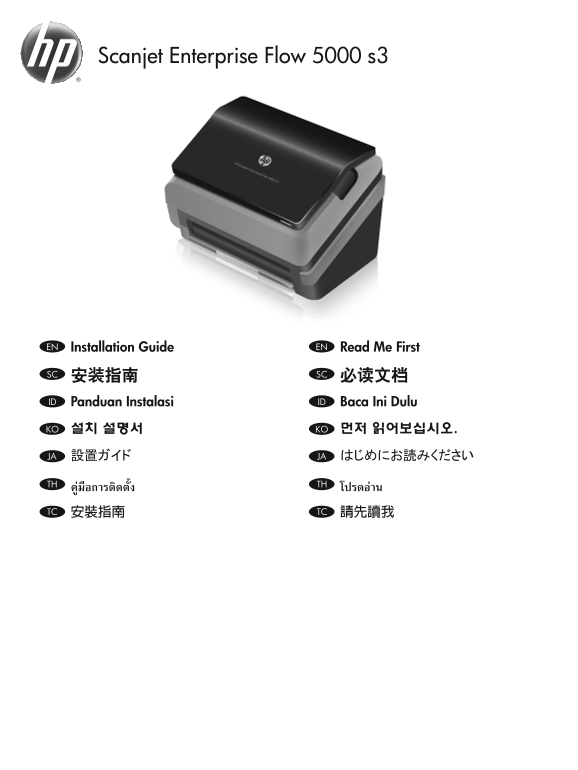
Page 1 Text Content
Scanjet Enterprise Flow 5000 s3
Installation Guide EN Read Me First EN
安装指南 SC 必读文档SC Panduan Instalasi ID Baca Ini Dulu ID
설치 설명서 KO 먼저 읽어보십시오.KO
設置ガイド JA はじめにお読みくださいJA
คู่มือการติดตั้ง TH โปรดอ่านTH
安裝指南 TC 請先讀我TC
L2738-90005.indd 1 3/27/2015 10:49:38 AM
Page Summary Contents For HP Scanjet Enterprise Flow 5000 s3 Single Page Feed Scanner - Installation Guide
Manual Details
| Brand | HP |
|---|---|
| Pages | 8 |
| File Size | 2.29 MB |
| Published | June 16, 2026 |
Enter the captcha to get the download link:

Frequently Asked Questions
When should I connect the USB cable?
Connect the USB cable only when the software installation process instructs you to do so.
What optional software can I install for specific tasks?
You can install HP Smart Document Scan Software, I.R.I.S. Readiris Pro (OCR), I.R.I.S. Cardiris (business cards), and Nuance PaperPort (personal documents).