HP Scanjet Pro 2000 s2 - Single Sheet Feed Scanner
Summary
This comprehensive installation guide provides step-by-step instructions for setting up your high-performance HP ScanJet Pro and Enterprise Flow document scanners. It covers everything from safe unpacking and connecting power to selecting the correct connection method and installing necessary software. Ideal for new users, this manual ensures you can quickly and efficiently initialize your scanner while adhering to best practices for optimal performance.
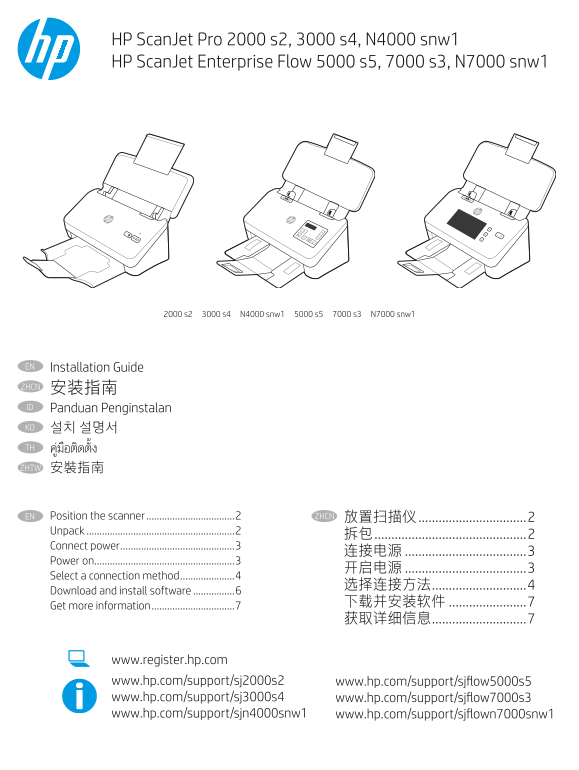
Page 1 Text Content
HP Scan Jet Pro 2000 s2, 3000 s4, N4000 snw1 HP Scan Jet Enterprise Flow 5000 s5, 7000 s3, N7000 snw1
2000 s2 3000 s4 N4000 snw1 5000 s5 7000 s3 N7000 snw1
Installation Guide EN ZHCN 安装指南 Panduan Penginstalan ID 설치 설명서KO TH ZHTW 安裝指南
EN Position the scanner ..................................2 ZHCN 放置扫描仪 ................................2
Unpack .........................................................2
Connect power ............................................3
Power on ......................................................3
Select a connection method .....................4
Download and install software ................6
Get more information ................................7
www.register.hp.com www.hp.com/support/sj2000s2 www.hp.com/support/sjflow5000s5 www.hp.com/support/sj3000s4 www.hp.com/support/sjflow7000s3 www.hp.com/support/sjn4000snw1 www.hp.com/support/sjflown7000snw1
Page Summary Contents For HP Scanjet Pro 2000 s2 - Single Sheet Feed Scanner
Manual Details
| Brand | HP |
|---|---|
| Pages | 8 |
| File Size | 3.08 MB |
| Published | May 30, 2026 |
Enter the captcha to get the download link:

Frequently Asked Questions
Where should I position the scanner?
You must select a sturdy, well-ventilated, and dust-free area that is away from direct sunlight.
What voltage requirements does the scanner use?
The scanner utilizes 100–240 V and operates at 50/60 Hz.
When connecting the USB cable to a Windows computer, what step should I follow?
Do not connect the USB cable until you are prompted to do so during the subsequent software installation process.
How can I confirm my scanner's specific model details?
Your model is identified using the Marketing name, Regulatory Model Number, or Product number provided in the manual's regulatory section.