HP Scanjet Pro 3000 s2 Single-sheet Feed Scanner User Guide - Installation Manual
Summary
This comprehensive guide provides new users of the HP Scanjet Pro 3000 s2 scanner with detailed setup instructions for seamless operation. The manual covers everything from unboxing to connectivity, detailing how to prepare the device and establish connections with PCs or Macs. It walks you through installing essential software, including specialized tools for Optical Character Recognition (OCR), business card scanning, and personal document management, ensuring a straightforward start to your digital archiving process.
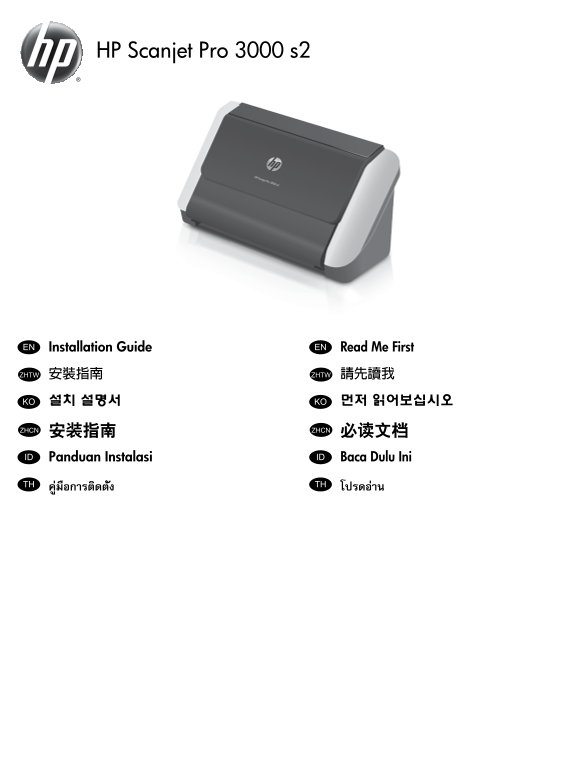
Page 1 Text Content
HP Scanjet Pro 3000 s2
Installation Guide EN Read Me First EN
安裝指南ZHTW 請先讀我ZHTW 설치 설명서KO 먼저 읽어보십시오KO
安装指南ZHCN 必读文档ZHCN ID Panduan Instalasi ID Baca Dulu Ini
คู่มือการติดตั้งTH โปรดอ่านTH
Page Summary Contents For HP Scanjet Pro 3000 s2 Single-sheet Feed Scanner User Guide - Installation Manual
Manual Details
| Brand | HP |
|---|---|
| Pages | 8 |
| File Size | 1.07 MB |
| Published | May 29, 2026 |
Enter the captcha to get the download link:

Frequently Asked Questions
What is the first step before connecting the scanner?
You must remove the packing tape and shipping foam, as their locations may vary by region.
How should I connect the scanner to my PC using the power supply?
Connect the power supply to the scanner, plug it into a power outlet, and then use the USB cable to link the PC and scanner.
What specialized functions can I add with optional software?
You can install optional tools like I.R.I.S. Readiris Pro for OCR, or I.R.I.S. Cardiris for business card scanning.