HP Scanjet Enterprise 7000 s2 Single-sheet Feeder Scanner HP Scanjet Enterprise 7000 s2 Flow 7000 s2 - Installation Guide
Summary
This comprehensive guide provides detailed setup instructions for your HP Enterprise document scanner. It walks users through initial unboxing, correctly connecting power and USB cables, and essential driver installation. The manual is designed for IT professionals and businesses requiring robust scanning functionality, covering advanced setup for optional software such as OCR tools, business card scanners, and personal document management systems. Start digitizing your critical documents efficiently with expert guidance.
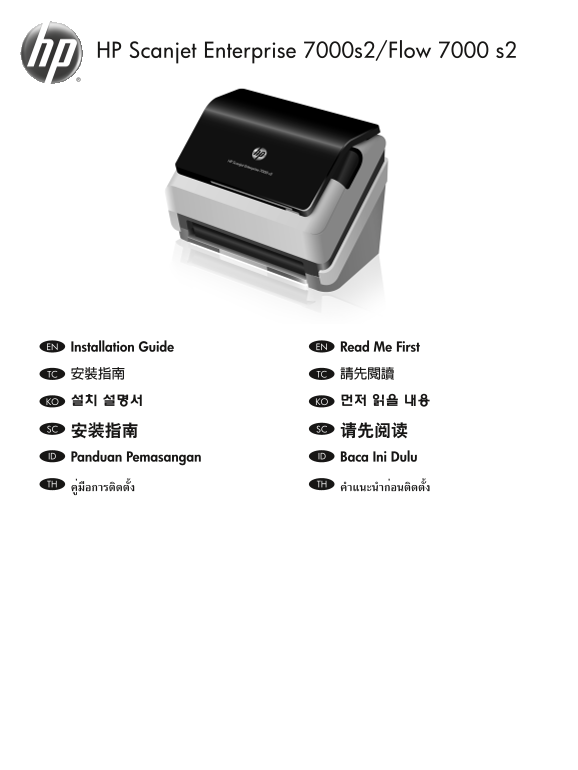
Page 1 Text Content
HP Scanjet Enterprise 7000s2/Flow 7000 s2
Installation Guide EN Read Me First EN
安裝指南 TC 請先閱讀TC
설치 설명서 KO 먼저 읽을 내용KO
安装指南 SC 请先阅读SC Panduan Pemasangan ID Baca Ini Dulu ID
คู่มือการติดตั้ง TH คำาแนะนำาก่อนติดตั้งTH
HP Laser Jet Information Engineering
Page Summary Contents For HP Scanjet Enterprise 7000 s2 Single-sheet Feeder Scanner HP Scanjet Enterprise 7000 s2 Flow 7000 s2 - Installation Guide
Manual Details
| Brand | HP |
|---|---|
| Pages | 8 |
| File Size | 2.00 MB |
| Published | May 29, 2026 |
Enter the captcha to get the download link:

Frequently Asked Questions
Do I need to connect the USB cable right away?
No, only connect the USB cable when the software installation process prompts you to do so.
What kind of optional scanning software is available?
Options include HP Smart Document Scan Software, Kofax VRS Professional, and tools for OCR, business card scanning, or document management.
How should I power up the device?
Connect the power supply (1) to the product and then into a power outlet (2), raise the scanner lid (3), and press the Power button (4).
Where can I find further help or documentation?
You can consult the User Guide, or visit www.hp.com/support and search for your specific product.