Hewlett-Packard HP LaserJet Enterprise M806 Series HP LaserJet Enterprise M806 - Setup Guide
Summary
Get up and running with your HP LaserJet Enterprise M806 series printer using this comprehensive installation guide. This manual is designed for new users who require step-by-step instructions covering everything from optimal placement in a clean, ventilated area to initial setup and advanced network configuration. Learn how to safely unbox the product, connect power and data cables, set basic functions like language and time zone, and complete the mandatory initial setup procedures required for seamless operation.
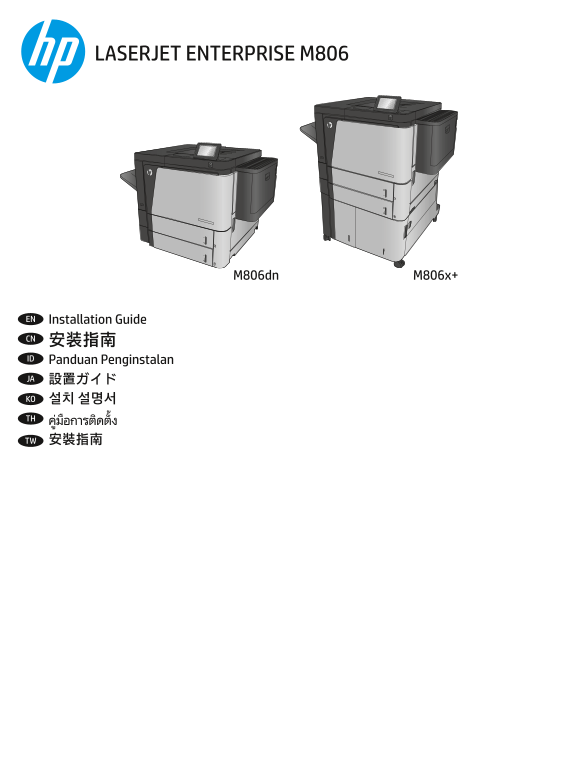
Page 1 Text Content
LASERJET ENTERPRISE M806
M806x+M806dn
EN Installation Guide CN 安装指南 ID Panduan Penginstalan JA 設置ガイド KO 설치 설명서 TH ูม่อืการตดิตัง้ TW 安裝指南
Page Summary Contents For Hewlett-Packard HP LaserJet Enterprise M806 Series HP LaserJet Enterprise M806 - Setup Guide
Manual Details
| Brand | HP |
|---|---|
| Pages | 12 |
| File Size | 2.45 MB |
| Published | June 20, 2026 |
Enter the captcha to get the download link:

Frequently Asked Questions
Where should I place the M806 printer?
Position it in a sturdy, well-ventilated, dust-free area and away from direct sunlight.
What steps should I take before powering on the device?
Remove all tape and packing material from both the outside and inside of the product, including paper trays and doors.
How do I set up basic functions after connecting the power?
On the control panel, set your language, keyboard layout, date/time format, time zone, then select Initial Setup on the Home screen.
What precautions should I take when setting up networking?
Connect the network cable first if applicable, but do NOT connect the USB cable yet. Use only included power cables and ensure adequate voltage.