EXTECH RPM10 Laser Photo Contact Tachometer with IR Thermometer User Guide and Manual
Summary
The Extech RPM10 is a professional, multi-functional tachometer and IR thermometer designed for versatile industrial measurements. This advanced instrument measures contact and non-contact rotational speed (RPM), linear surface speed, and ambient temperature using an integrated laser pointer. The comprehensive manual provides detailed instructions on operating each measurement mode—from photo tachometry with reflective tape to direct physical contact sensing. It is essential equipment for technicians and engineers requiring highly accurate diagnostic data across various industrial processes, ensuring safe and precise operations.
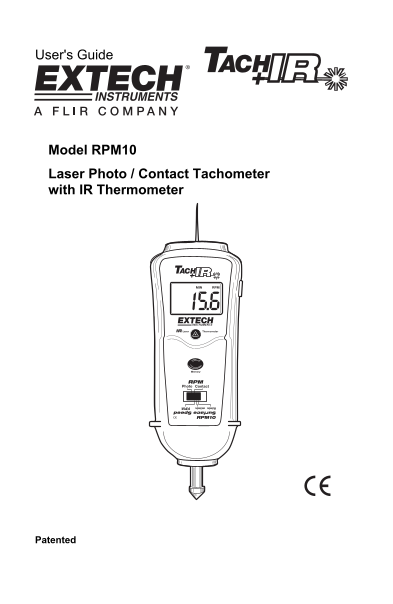
Page 1 Text Content
User's Guide
Model RPM10 Laser Photo / Contact Tachometer with IR Thermometer
Patented
Page Summary Contents For EXTECH RPM10 Laser Photo Contact Tachometer with IR Thermometer User Guide and Manual
Manual Details
| Brand | Laser |
|---|---|
| Pages | 8 |
| File Size | 309.78 KB |
| Published | May 29, 2026 |
Enter the captcha to get the download link:

Frequently Asked Questions
What steps are needed to measure linear surface speed?
Install the Linear speed wheel, slide the switch to SURFACE SPEED, press Measure, and hold the wheel against the moving surface.
If my photo tachometer reading is low using reflective tape, what should I do?
Apply additional squares of reflective tape and then divide the displayed reading by the total number of pieces used.
What is the operational temperature range for the IR Thermometer?
The range is -20 to 315 C (-4 to 600 F).
How do I change the batteries in the RPM10 meter?
Loosen two Philips head screws on the rear cover, replace the four 1.5V AA batteries, and secure the cover.